Need help?
Do you have a question about the Pilz PNOZmulti and is the answer not in the manual?
Key safety regulations and recommendations for using the product, including compliance and suitability for industrial environments.
Defines the competence and knowledge required for personnel involved in assembly, installation, and operation.
Outlines critical safety measures during the installation phase, including power and electrical safety.
Details the 24 VDC supply requirements, voltage tolerance, and fuse protection for the control system.
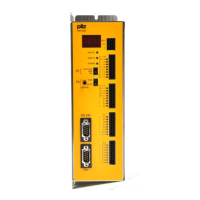
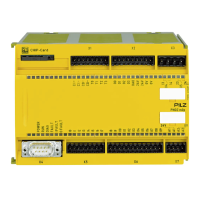
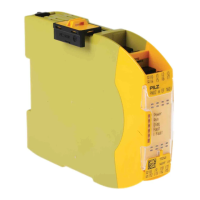
Step-by-step instructions for installing the PNOZmulti base unit.
Guidance on installing a PNOZmulti base unit when it is used standalone.
Instructions on linking base units and expansion modules using jumpers and terminators.
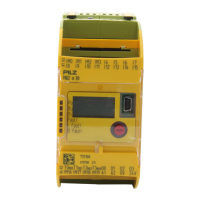
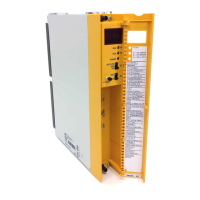
Procedures for installing the PNOZmulti Mini base unit.
Instructions for installing the PNOZmulti Mini base unit when used standalone.
Guidance on connecting PNOZmulti Mini base and expansion modules with jumpers and terminators.
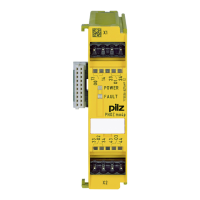
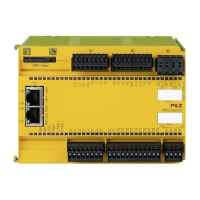
Steps for installing the PNOZmulti 2 base unit.
Instructions for installing the PNOZmulti 2 base unit when used standalone.
Guidance on connecting PNOZmulti 2 base and expansion modules using jumpers and terminators.
Details the 24 VDC supply requirements, voltage tolerance, and safety precautions for powering the system.
 General
| PL | PL e |
|---|---|
| Expansion Modules | Yes, via base units and extension modules |
| Programming | PNOZmulti Configurator (graphical configuration software) |
| Safety standards | EN ISO 13849-1, EN 62061, IEC 61508 |
| SIL | SIL 3 |
| Operating voltage | 24V DC (typically, but can vary depending on the specific module) |
| Safety category | Category 4 |

 To Next Page