HUNTER-PRO 32 Intruder Alarm System - Installation Manual
39
IMPORTANT!
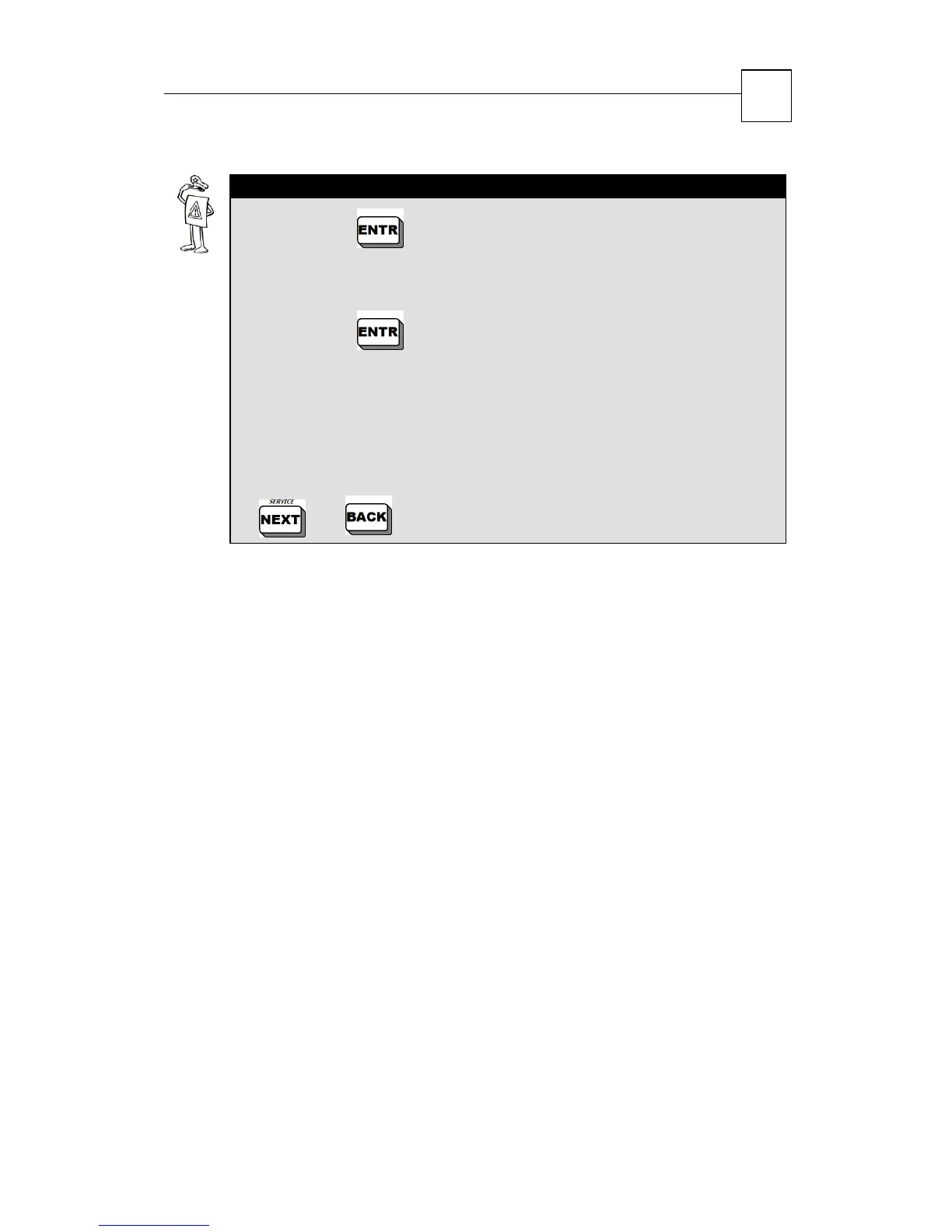
Pressing in "Zone List”/”Opened Zones”/”Bypassed
Zones”/”Soak Test Zones”/”Chime Zones” screens gives a
detailed description of the zones in this category.
Pressing in "Activated Partitions" screen gives the
detailed description on the zones in this category in the following
manner:
Partitions marked by an “X”: Activated
Partitions marked by an “
-
“ : Not Activated
In order to scroll between zones in the same category, use the
and keys.


 To Next Page