14
Selecting a station through “Stations”
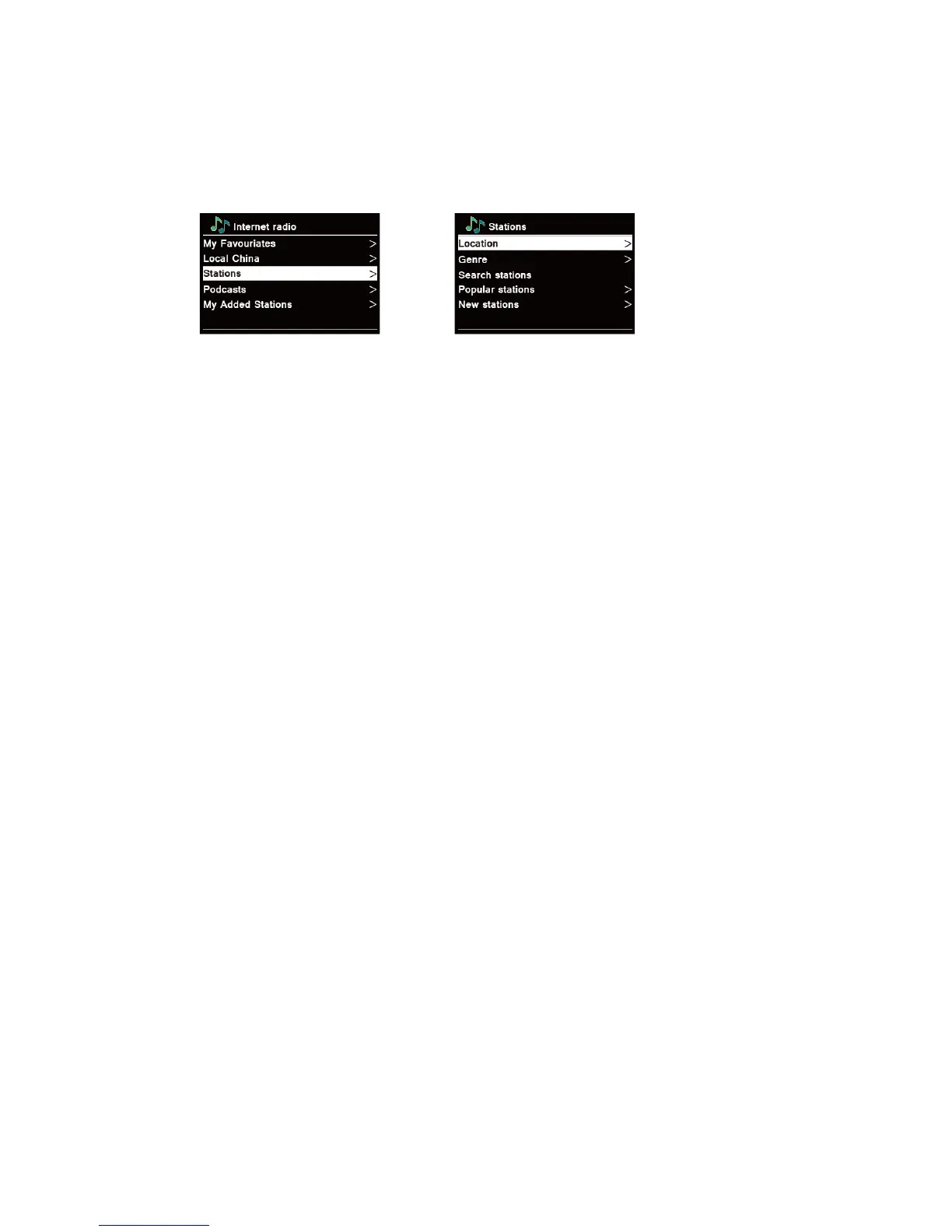
Stations enables you to select a station from categories: Location, Genre, Popular stations or
New stations, or search stations.
1. Press MENU button - Station list - Stations, press SCROLL knob to confirm.
→
2. In “Stations” menu:
“Location” enables you to choose from the radio stations provided by any country which you
choose from a list.
a. While “Location” is highlighted, press SCROLL knob to confirm.
b. Turn SCROLL knob to select the region you wanted, and then press SCROLL knob to
confirm.
c. Turn SCROLL knob to select the country you wanted, and then press SCROLL knob to
confirm.
d. Turn SCROLL knob to select the station you wanted, and then press SCROLL knob to
confirm. The station will be broadcast.
“Genre” enables you to choose radio stations according to their content, for example Classic
Rock, Sport, News, etc.
a. While “Genre” is highlighted, press SCROLL knob to confirm.
b. Turn SCROLL knob to select the genre you wanted, and then press SCROLL knob to
confirm.
c. Turn SCROLL knob to select through All Stations, Highlighted Stations or the country
you wanted, and then press SCROLL knob to confirm.
d. Turn SCROLL knob to select the station you wanted, and then press SCROLL knob to
confirm. The station will be broadcast.
“Search stations” enables you to enter all or part of station name to find a station.
“Popular stations” enables your radio to list the stations that have the most listeners.
“New stations” enables your radio to list the stations that have recently joined the Internet
radio network.
Note: Some radio stations do not broadcast 24 hours per day, and some stations are not always on-
line.



 To Next Page