29
FM Mode
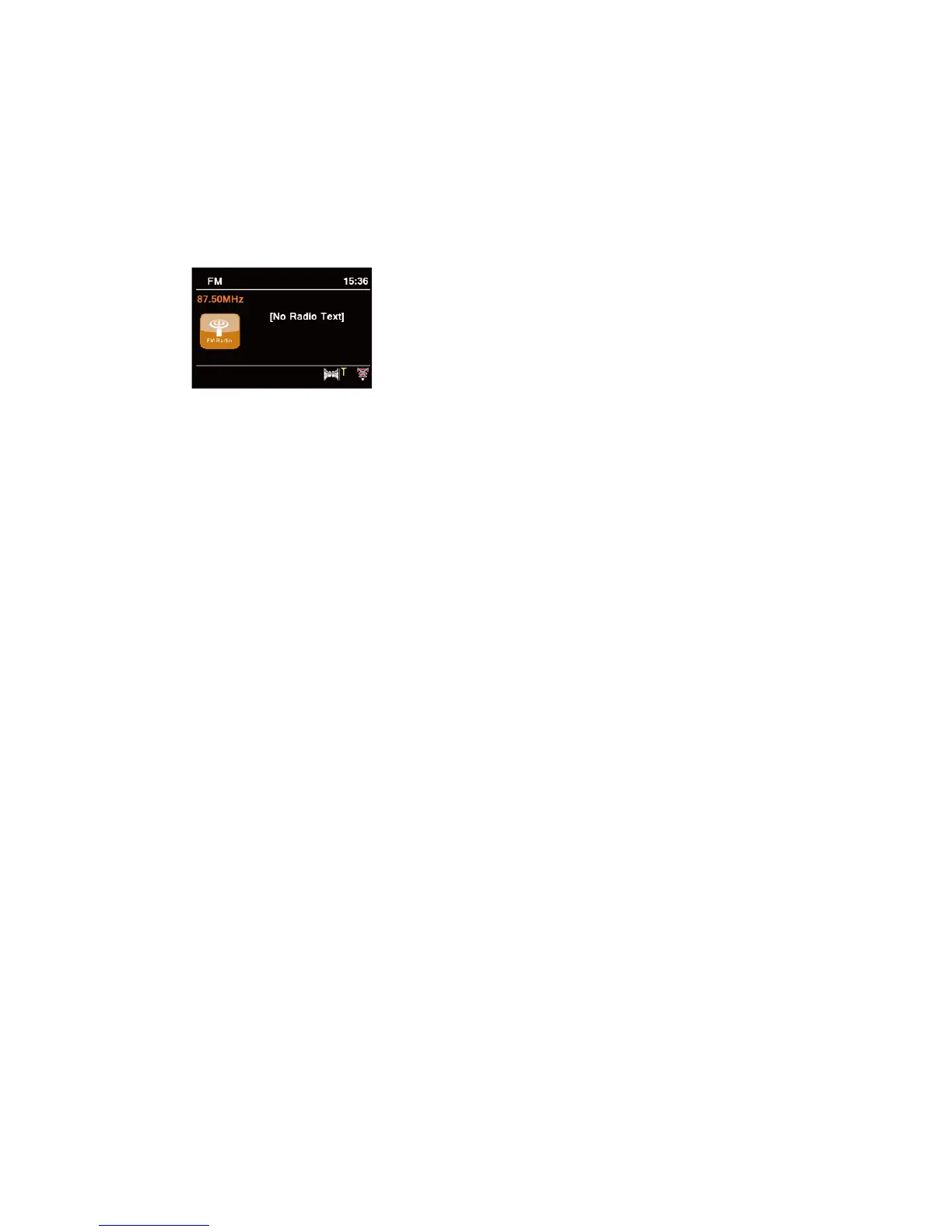
Selecting FM Mode
1. Press MODE button repeatedly to select FM mode.
2. For initial use, it will start at the beginning of the FM frequency range (87.50MHz). Otherwise,
the last listened FM station will be selected.
3. To manually scan, while FM frequency shows up, turn SCROLL knob clockwise or anti-
clockwise to change frequency by 0.05MHz per step.
4. To automatically scan, while FM frequency shows up, press SCROLL knob your radio will
automatically search until it reached the next available station.
Scan settings
This enables you set FM scans stop at stations with strong signal or stop at any available station.
1. Press MENU button, turn SCROLL knob to select “Scan setting”, and then press SCROLL
knob to confirm.
2. Display will show “Strong stations only?”, turn SCROLL knob to select “YES”, and then
press SCROLL knob to confirm. The scans stop only at stations with good signal strength.
3. Turn SCROLL knob to select “NO”, and then press SCROLL knob to confirm. The scans
stop at any available station. This may result in a poor quality audio from weak stations.
Audio Settings
By default, all stereo stations are reproduced in stereo. For weak stations, this may result in a
poor quality audio. The audio quality can be improved using mono.
1. To play weak stations in mono, press MENU button, turn SCROLL knob to select “Audio
setting”, and then press SCROLL knob to confirm.
2. Display will show “Listen in Mono only?”, turn SCROLL knob to select “YES”, and then press
SCROLL knob to confirm.
Viewing Station Information
There is a variety of station information transmitted by broadcaster. To view currently playing
station information, press INFO button repeatedly the display will show the information through
Radio text, Program Type, Program Name and Date.



 To Next Page