12
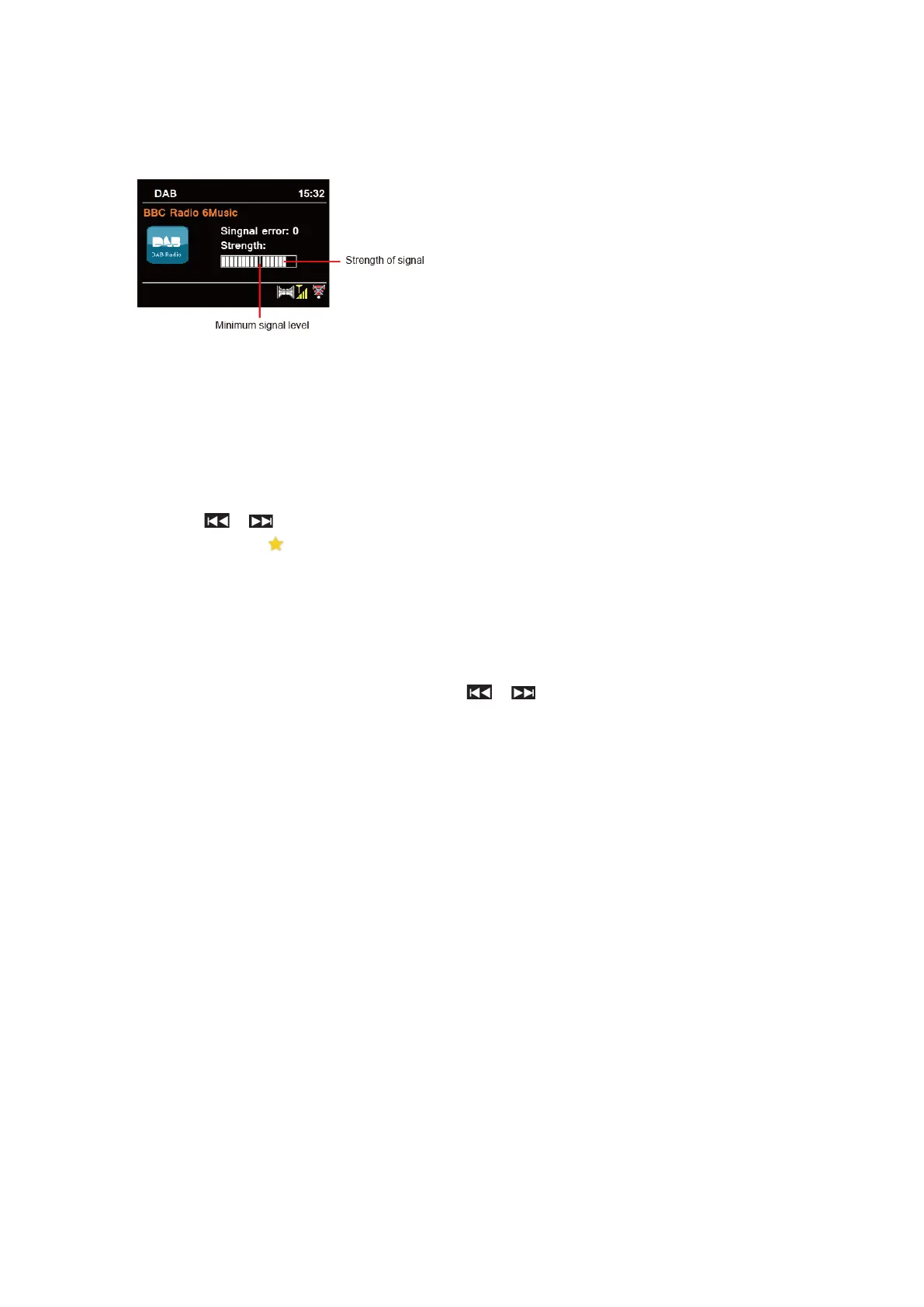
Showing Signal Strength
While you selected signal strength, a signal bar with the strength of the current station will show
on the display.
The indicator on the signal bar shows the
minimum acceptable signal level.
@ Note: Stations with signal strength below
the minimum signal level may not provide
a steady stream of audio.
Storing Preset Stations
Your radio can store up to 20 of your favourite DAB+ stations. This will enable you to access your
favourite stations quickly and easily.
1. While playing your favourite station, press & hold PRESET until display shows “Save to
Preset”.
2. Press / to select the position. Press SELECT and display will show “Preset stored”.
3. Preset number “ #” (# = 1-20) will show on the display.
@ Note: For preset positions 11-20 via the remote control, first press 10+ and then hold down one of the
PRESET buttons 1-10 until "Preset stored" appears on the display.
Recalling a Preset Station
1. Press PRESET – select station by pressing / / and press SELECT to confirm.
2. The display will show “Not set” or “Preset empty” if the preset position is not allocated.



 To Next Page