31
Setting Time/Date
1. Press MENU button - System settings - Time/Date, press SELECT to confirm.
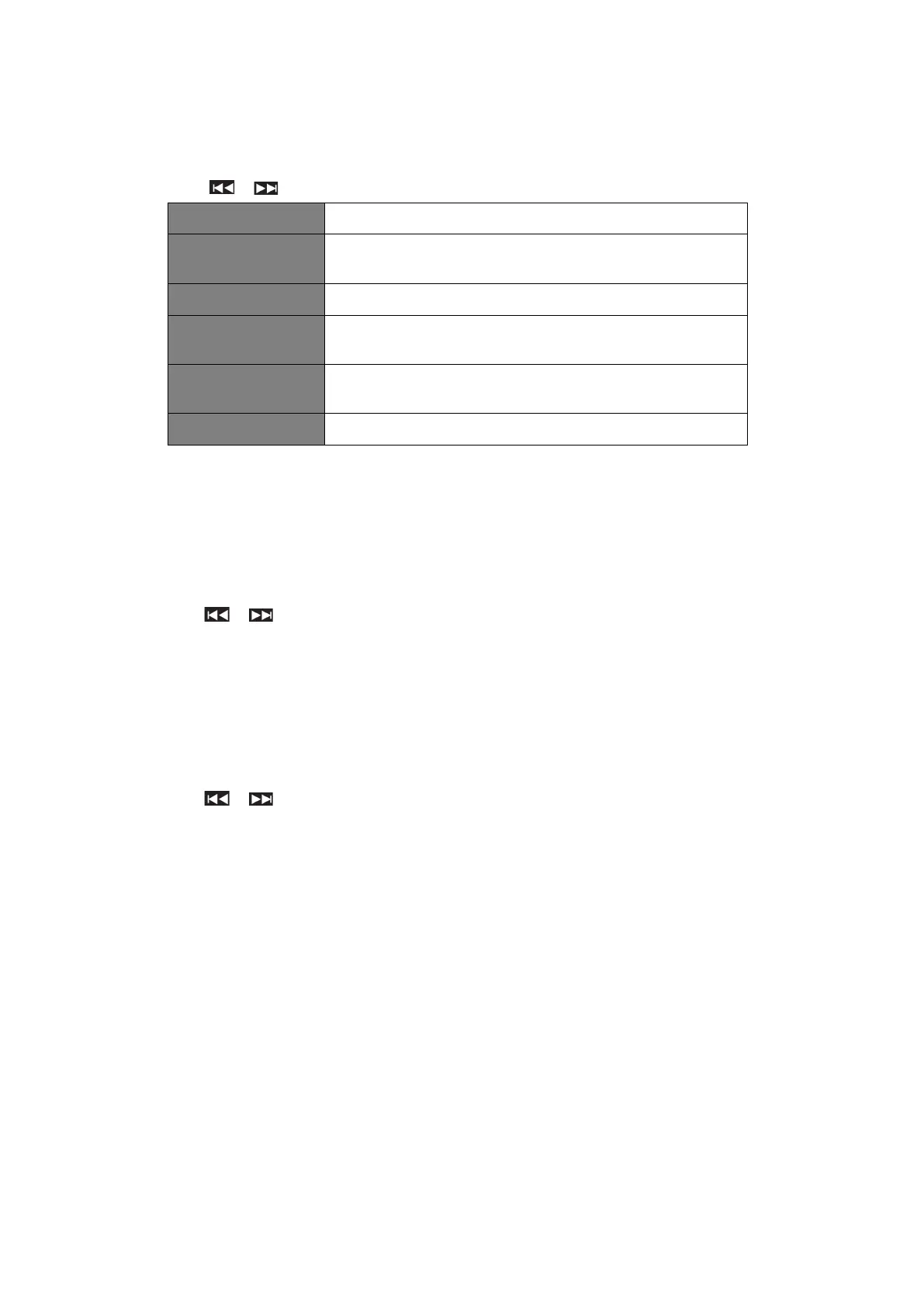
2. Press / to select options, and then press SELECT to confirm the setting.
Manually set-up both Time and Date
“Update from DAB”, “Update from FM”, “Update from
Network” or “No update”
Select timezone
(Only available when auto update from Network)
Daylight saving setting: “ON” or “OFF”
(Only available when auto update from Network)
Select “Analog” or “Digital”
3. Press SELECT to confirm your setting.
Setting Language
This feature enables you to change menu language.
1. Press MENU button - System settings - Language, press SELECT to confirm.
2. Press / to select your language, and then press SELECT to confirm.
Factory Reset
Doing a factory reset clears all user defined setting, replacing them with the original default values,
so time/date, DAB station list and preset stations are all lost.
1. Press MENU button - System settings - Factory Reset, press SELECT to confirm.
2. Press / to select “YES”, and then press SEKECT to confirm.



 To Next Page