16
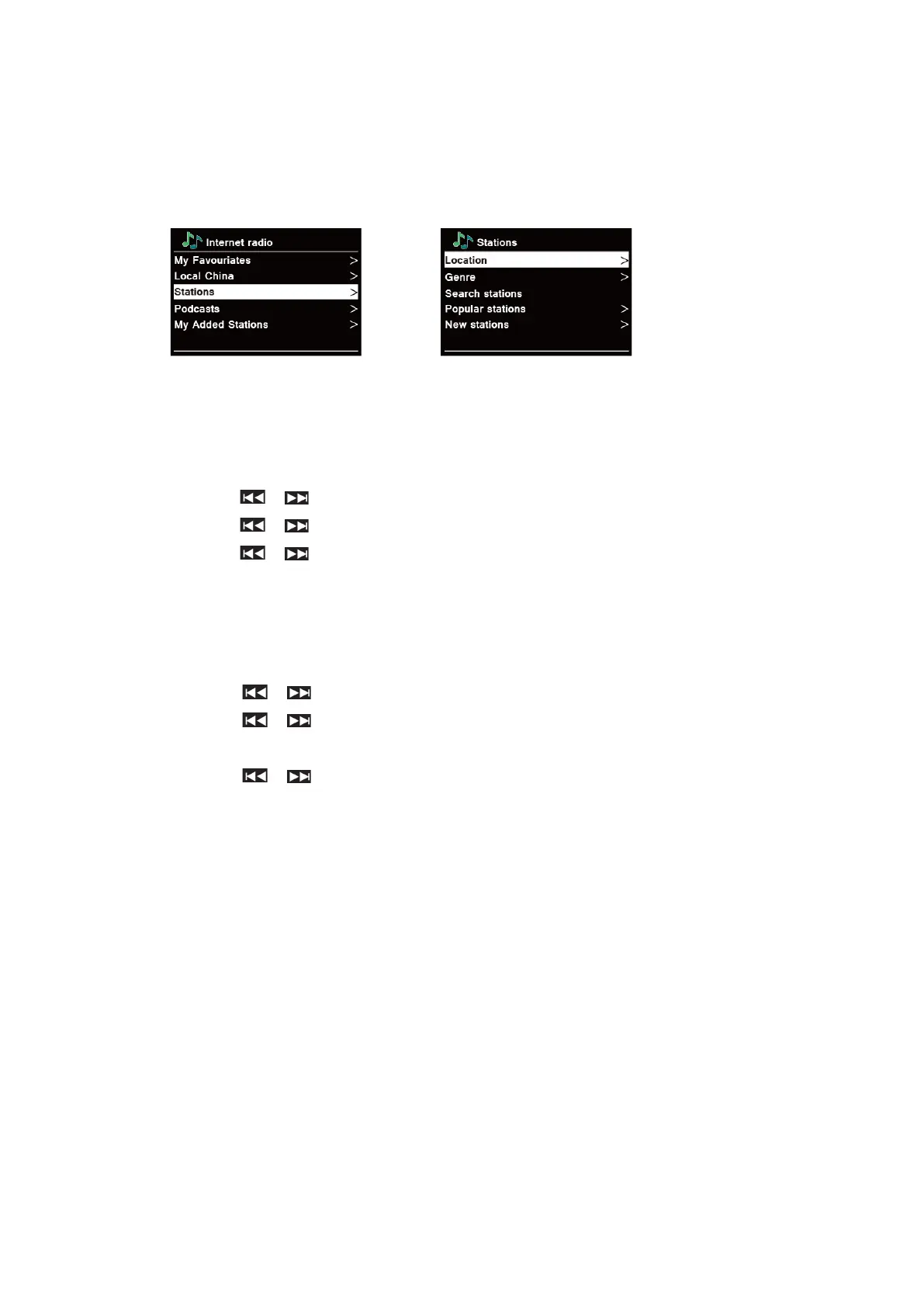
Selecting a station through “Stations”
Stations enables you to select a station from categories: Location, Genre, Popular stations or
New stations, or search stations.
1. Press MENU button - Station list - Stations, press SELECT to confirm.
2. In “Stations” menu:
n “Location” enables you to choose from the radio stations provided by any country which you
choose from a list.
a. While “Location” is highlighted, press SELECT to confirm.
b. Press / to select the region you wanted, and then press SELECT to confirm.
c. Press / to select the country you wanted, and then press SELECT to confirm.
d. Press / to select the station you wanted, and then press SELECT to confirm.
The station will be broadcast.
n “Genre” enables you to choose radio stations according to their content, for example Classic
Rock, Sport, News, etc.
a. While “Genre” is highlighted, press SELECT to confirm.
b. Press / to select the genre you wanted, and then press SELECT to confirm.
c. Press / to select through All Stations, Highlighted Stations or the country you
wanted, and then press SELECT to confirm.
d. Press / to select the station you wanted, and then press SELECT to confirm.
The station will be broadcast.
n “Search stations” enables you to enter all or part of station name to find a station.
n “Popular stations” enables your radio to list the stations that have the most listeners.
n “New stations” enables your radio to list the stations that have recently joined the Internet
radio network.
@ Note: Some radio stations do not broadcast 24 hours per day, and some stations are not always on-
line.



 To Next Page