36
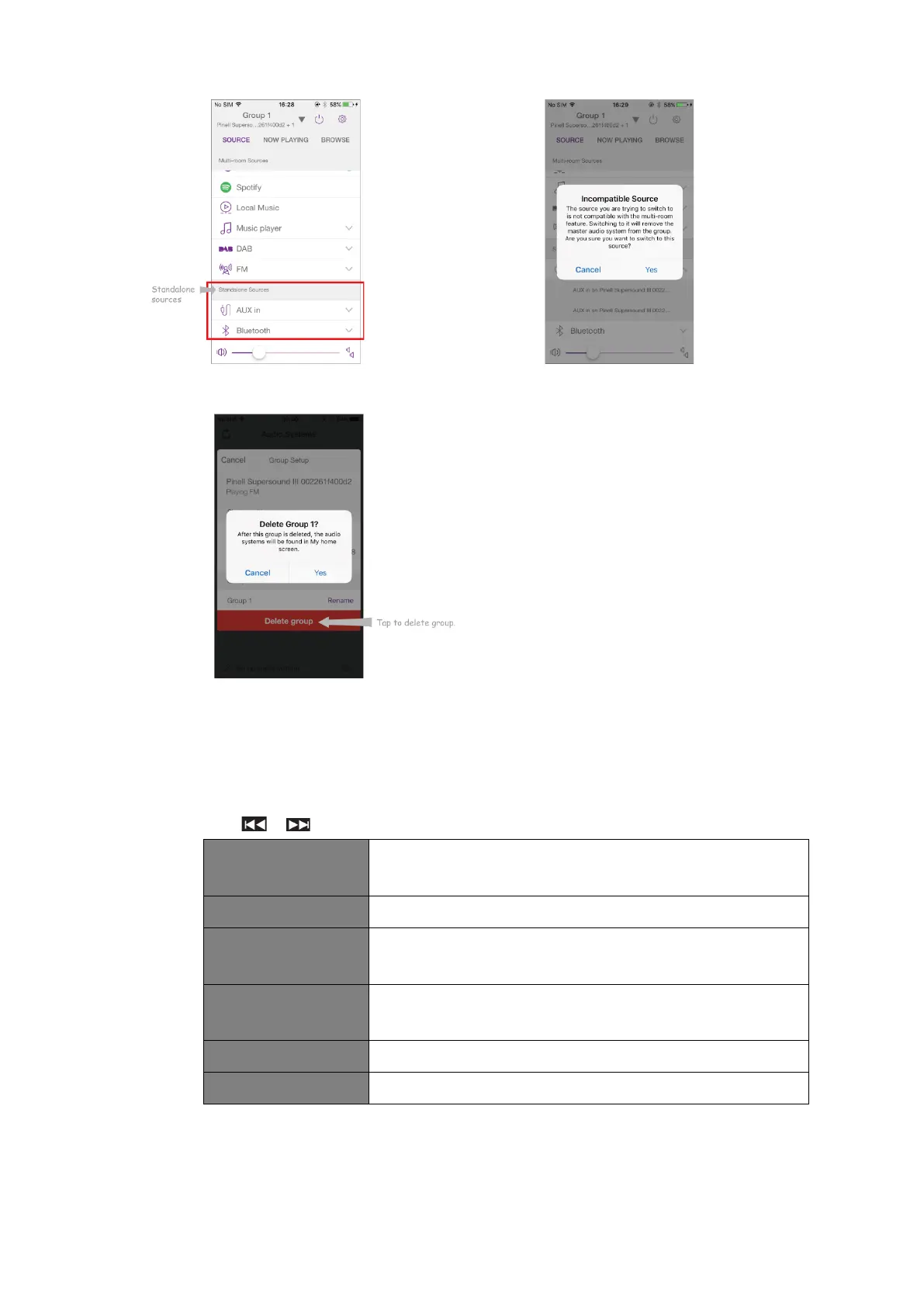
Fig. 9
5. Alternatively, you can edit group through your receiver.
a. Press MENU button - System settings - Multi-room, and then press SELECT to
confirm.
b. Press / to select options, and then press SELECT to confirm.
View your radio state (Ungrouped, Server or Client) and the
group which it belongs to.
Create a new group that your receiver will be added to.
Devices in current network will be listed. Select the device
you wish to add to the group your receiver belongs to.
Clients in the group which your receiver belongs to will be
listed. Select a client will remove it from the group.
Remove your receiver from the group.
Dissolve the group which your receiver belongs to.



 To Next Page