SendPro Tablet Operator’s Guide
20
SendPro Tablet Operator’s Guide
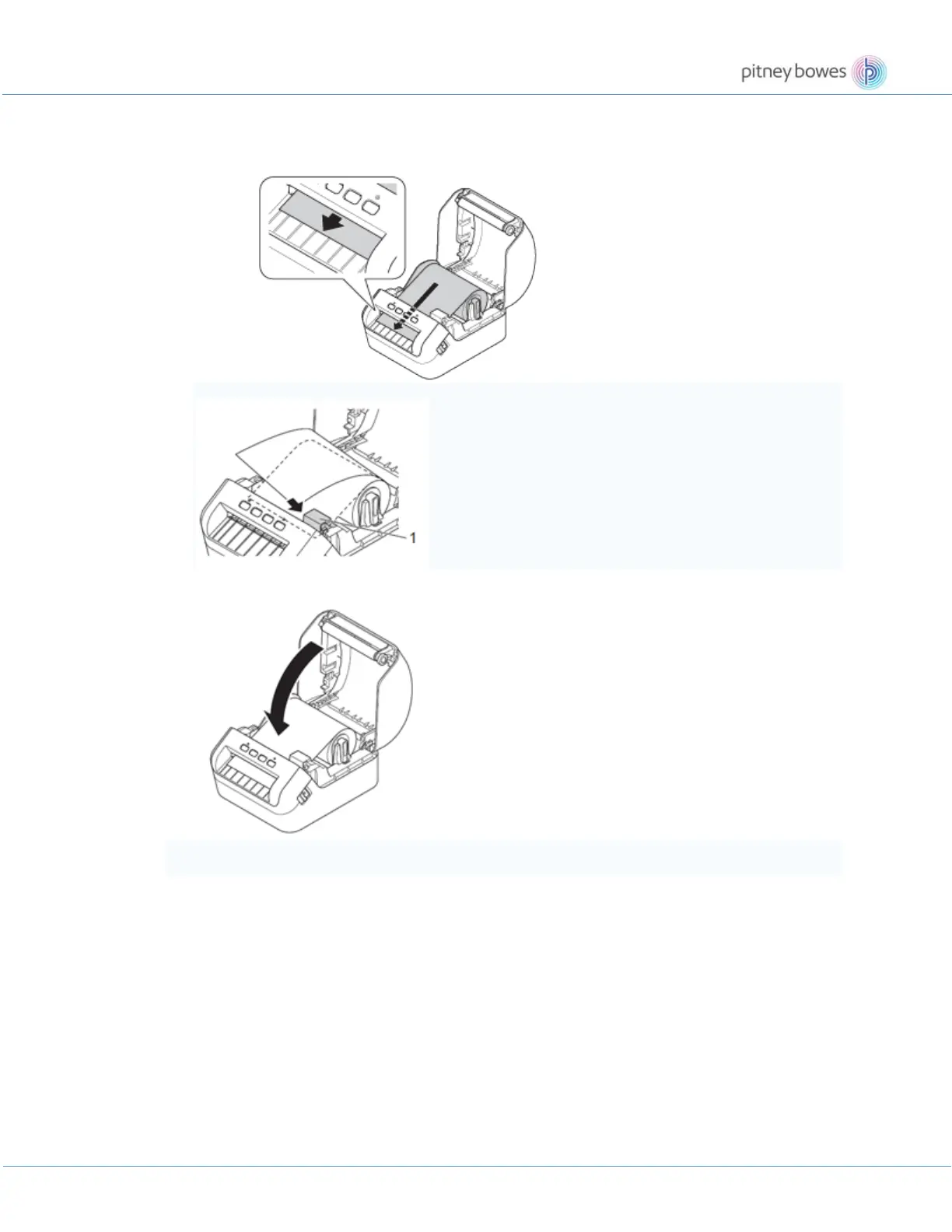
• Check that the DK Roll is threaded straight so that the labels will not be skewed.
• Push the first label through the Label Output Slot until the end of the label comes out of the
Slot as shown below.
If you have difficulty inserting the first label, try inserting from the side under the sensor (1).
5. Close the DK Roll Compartment Cover.
• When the label width is narrow, set the trailing edge of the label so that it will not come to the area in the
red frame shown in the illustration. There is a risk that the trailing edge of the label may enter the











 To Next Page