12
7.4 Automatic Tuning
Automatic tuning activates when the controller is switched on or when
the setpoint is modified to a value over 35%.
To avoid an overshoot, the treshold where the controller calculates the
new PID parameters is determined by the setpoint value minus the
“Set Deviation Tune” ( see Parameter 47 ).
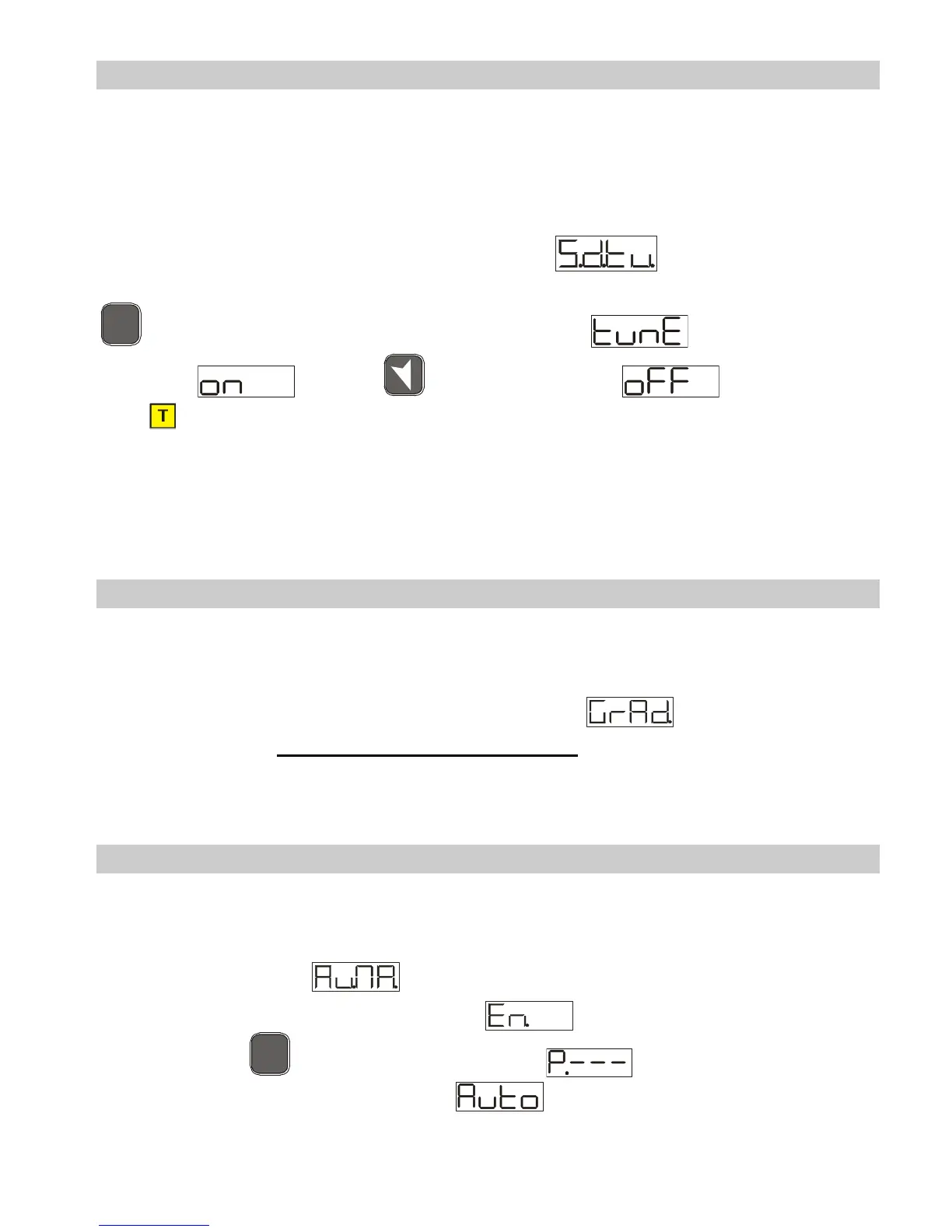
To exit Tuning and leave the PID values unchanged, just press the
F
N
C
key until display 1 shows the writing with the display
showing , press , display 2 shows .
The led switches off and the procedure finishes.
7.5 Soft Start
To reach the setpoint the controller can follow a gradient expressed in
units (e.g. degree/hour).
Set the increase value in parameter 51 with the desired
units/hour; only on subsequent activation the controller uses the soft
start function.
Automatic/manual tuning cannot be enabled if the Soft start is active.
7.6 Automatic/Manual Regulation for % Output Control
This function allows you to select automatic functioning or manual
command of the output percentage.
With parameter 49 , you can select two methods.
1. The first selection
allows you to enable the
F
N
C
key with the writing on display 1, while
display two shows .



 To Next Page