17
8.1 Digital Input Functions
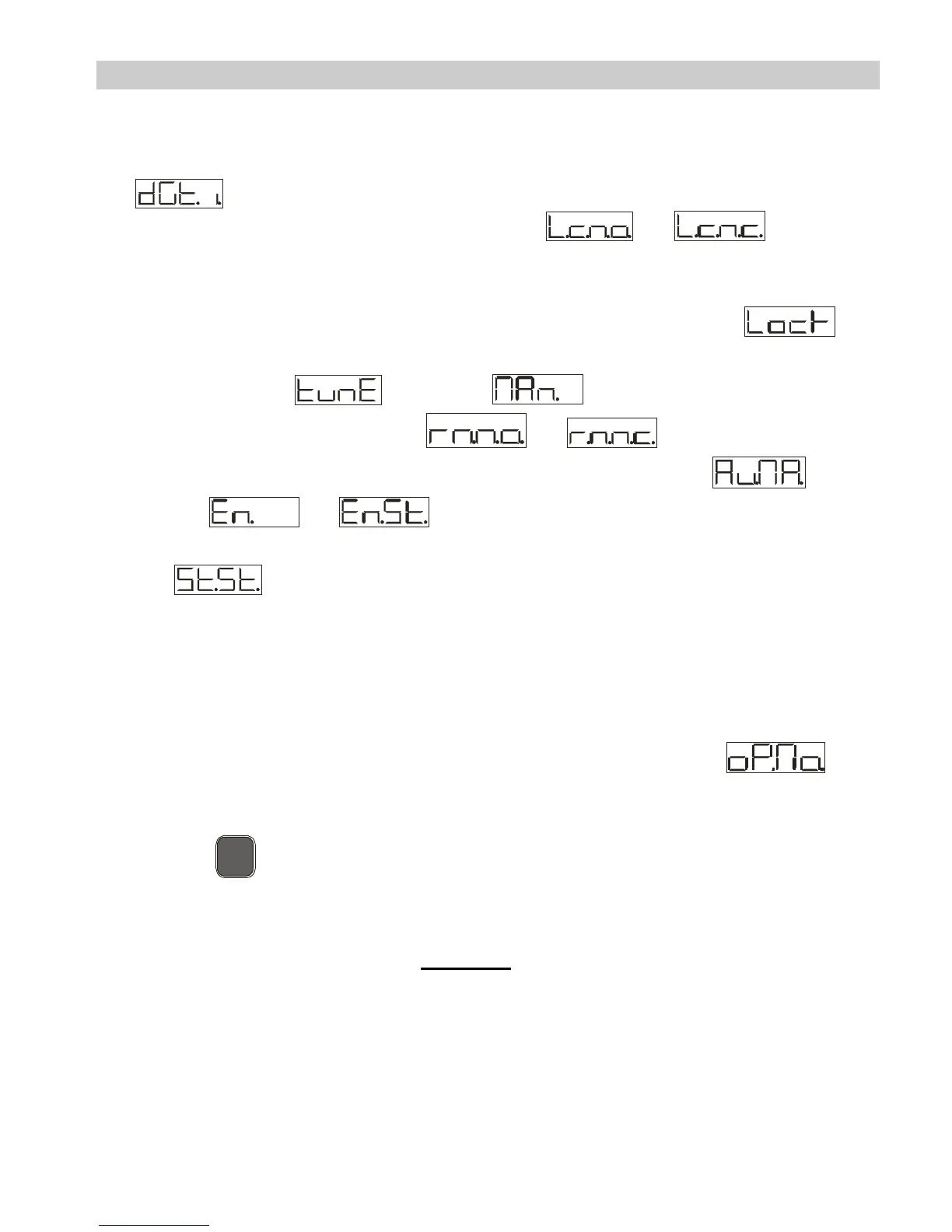
Digital input is programmable for several functions which are useful to
simplify controller operability. Select the desired function on parameter
50 .
1. Hold function (enabled by setting or ) allows to
lock the reading of sensors when the digital input is active
(useful for wide ranging oscillation on less significant values).
During the lock phase, display 2 flashes and shows .
2. Enables/disables the autotuning function from digital input if the
parameter is set on .
3. Enable regulation with or .
4. Switch from automatic to manual functioning if is set
on or .
5. Start of pre-programmed cycle (see paragraph 7.7) with
.
6. Change setpoint function.
This function is useful where there are 2 to 4 working thresholds
required during system functioning without having to press the
arrow keys.
To enable the function use the parameter , by
selecting the number of setpoints desired (no. thresholds
switch). They can be switched during functioning by pressing
the
S
E
T
key.
N.B.:
The digital input functions are not available with sensors PT100,
NI100, NTC, PTC, PT500, PT1000 e potentiometers.



 To Next Page