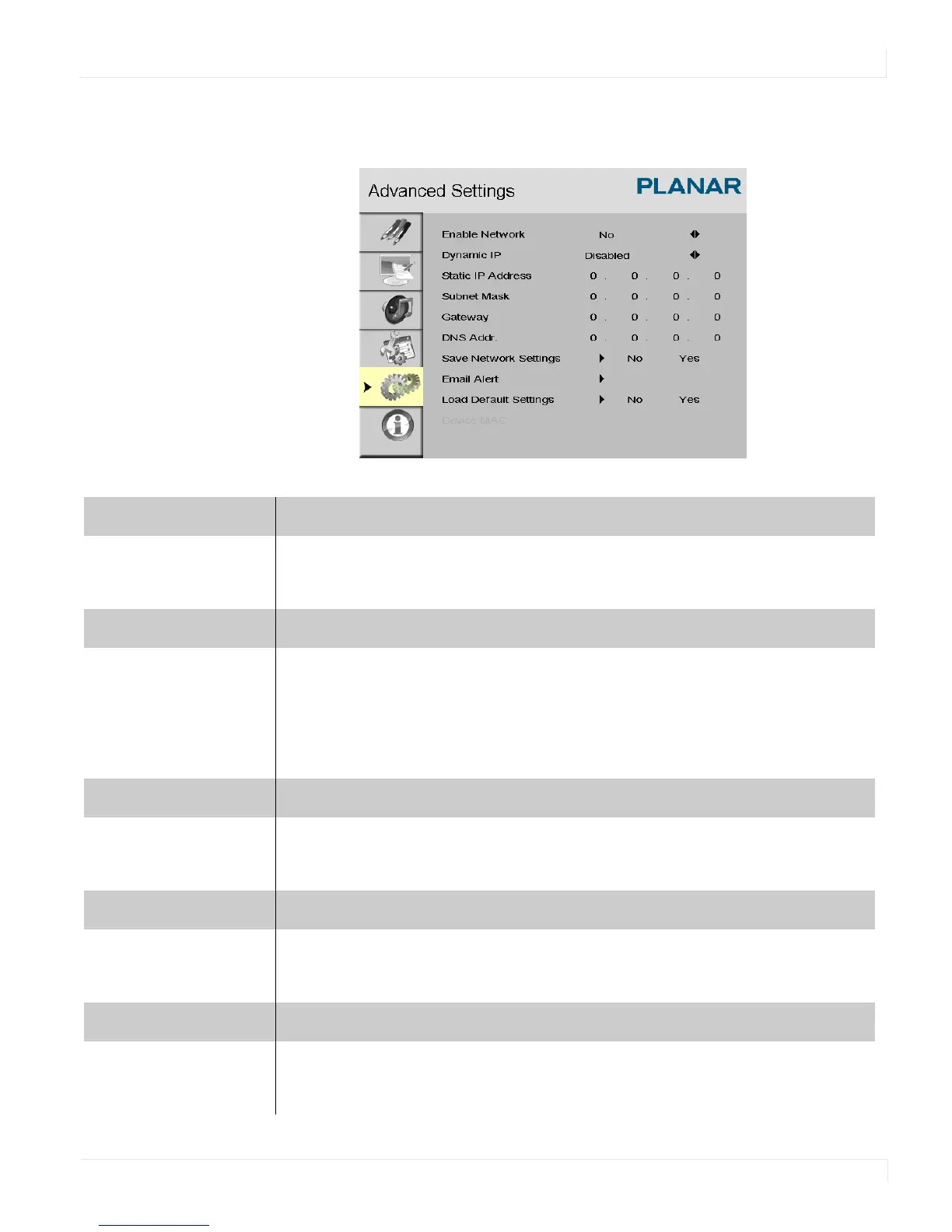
Advanced Settings Menu
ep46L/ep55L User Manual 47
Advanced Settings - Ethernet Setup Submenu
Enable Network
Enable the network feature
Options: No, Yes
Default: No
Dynamic IP
Enable DHCP for dynamic IP address assignment.
Options: Disable, Enable
Note: When dynamic IP is enabled, the parameters received from the DHCP server
are shown in the
STATIC IP ADDRESS, SUBNET MASK, GATEWAY and DNS ADD
lines.
Static IP Address
Set the static IP address when the DYNAMIC IP line is disabled or view it when the
DYNAMIC IP line is enabled.
Range: 255.255.255.255 (0.0.0.0)
Subnet Mask
Set the subnet mask when the DYNAMIC IP line is disabled or view it when the
DYNAMIC IP line is enabled.
Range: 255.255.255.255 (0.0.0.0)
Gateway
Set the gateway address when the DYNAMIC IP line is disabled or view it when
the
DYNAMIC IP line is enabled.
Range: 255.255.255.255 (0.0.0.0)















 To Next Page