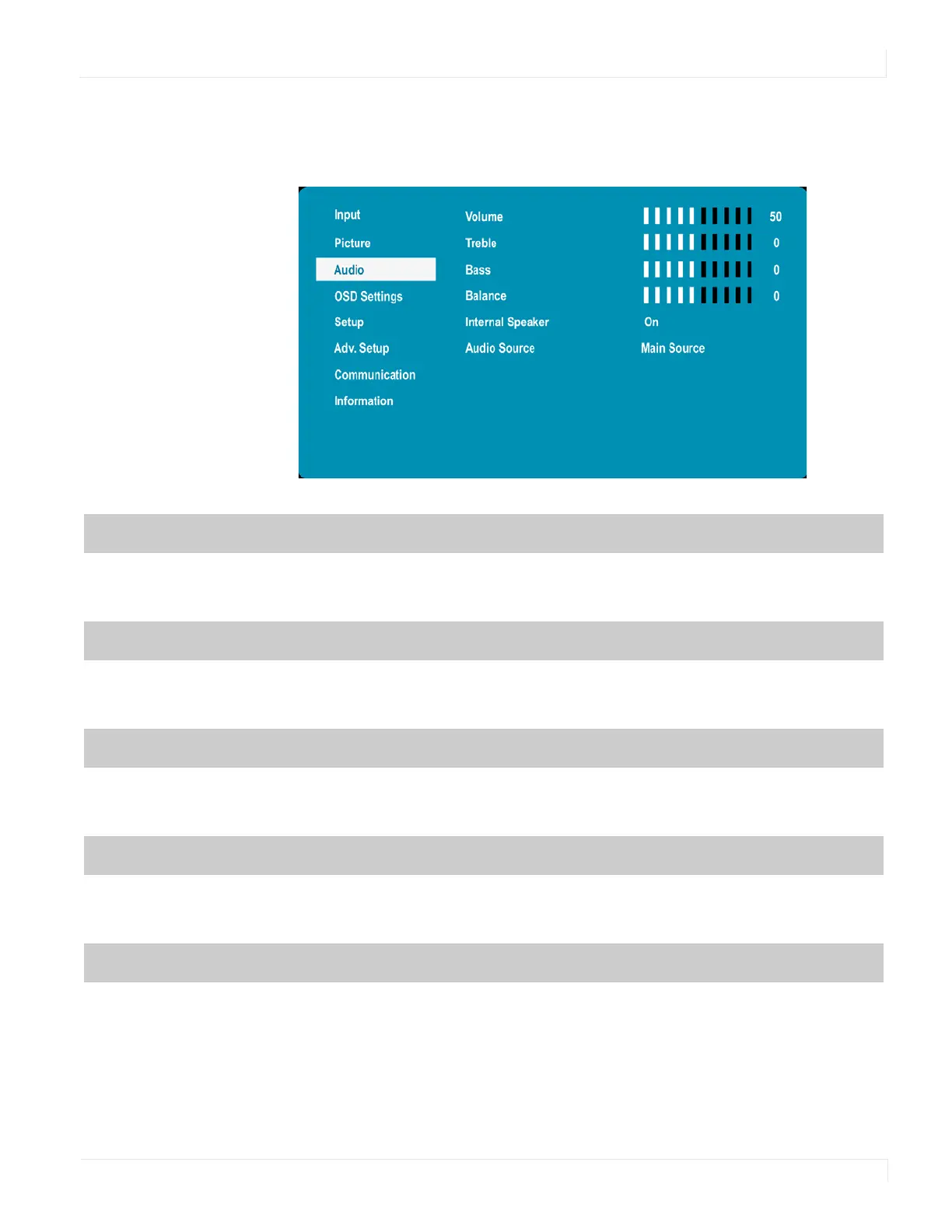
Audio Menu
EP Series Ultra HD LCD Displays User Guide 31
Audio Menu
This menu is used for adjusting audio settings.
Volume
Adjust the sound. Press e or f to select the desired level.
Range: 0~100
Default: 50
Treble
Adjust the sound in high tones (treble). Press e or f to select the desired level.
Range: -6~+6
Default: 0
Bass
Adjust the sound in low tones (bass). Press e or f to select the desired level.
Range: -6~+6
Default: 0
Balance
Adjust the balance of the left and right speakers. Press e or f to select the desired level.
Range: -6~+6
Default: 0
Internal Speaker
Turn the internal speaker on or off
Default: On



 To Next Page