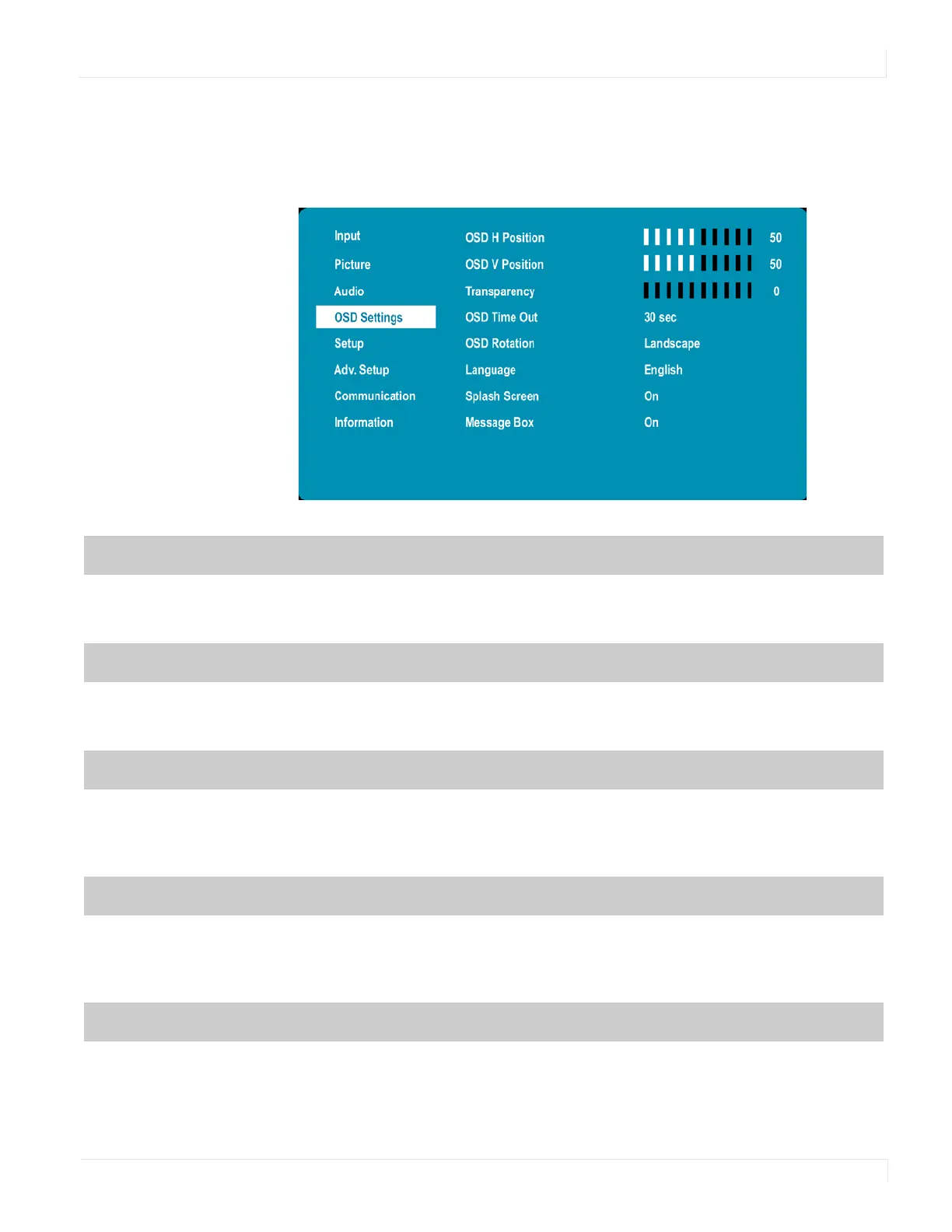
OSD Settings Menu
EP Series Ultra HD LCD Displays User Guide 33
OSD Settings Menu
This menu is used to make initial setup adjustments to the OSD (On-Screen Display)
menu and other on-screen messages.
OSD H Position
Adjust the horizontal position of the OSD menu. Press e or f to select the desired level.
Range: 0~100
Default: 50
OSD V Position
Adjust the vertical position of the OSD menu. Press e or f to select the desired level.
Range: 0~100
Default: 50
Transparency
Submenu to adjust the transparency of the OSD menu. Press e or f to select the desired
level.
Options: 0~10
Default: 0
OSD Time Out
Submenu to adjust the time in seconds before the OSD menu disappears. Press e or f
to select the desired level.
Options: 5 sec, 10 sec, 20 sec, 30 sec, 60 sec
Default: 30 sec
OSD Rotation
Select the OSD Rotation. Press ef to select the rotation.
Options: Landscape, Portrait
Default: Landscape



 To Next Page