Administrator
60 EP Series Ultra HD LCD Displays User Guide
Administrato r
Click on the word Administrator under the Planar logo to show/hide these menu
items.
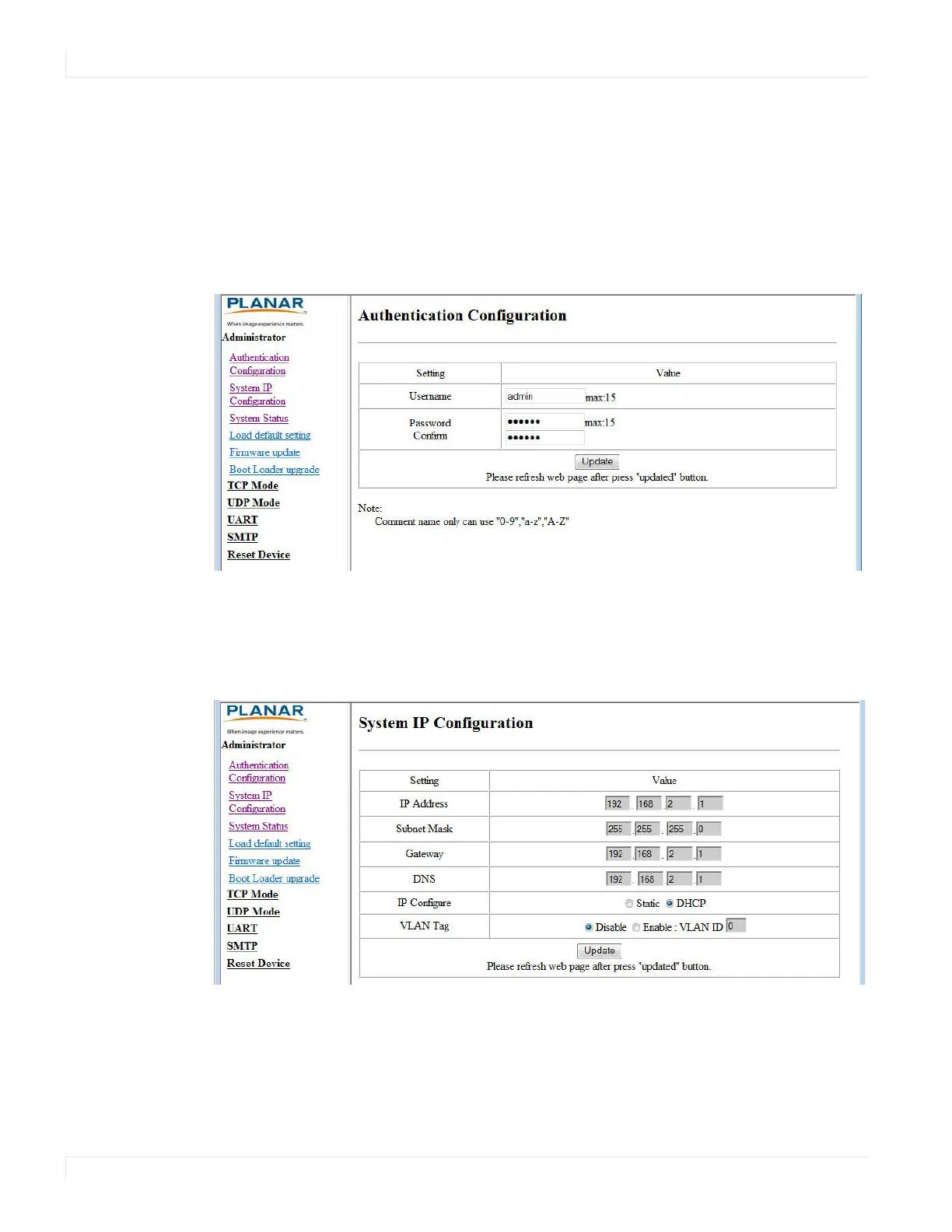
Authenticatio n Co nfiguratio n
Set user ID and password for login to the web service.
System IP Co nfiguratio n
You can view and/or change the network settings here. However, for best results, we
recommend that you use the on-screen display menus.
If your network requires a VLAN tag, your network administrator will give you a
number from 1 to 4094 to enter here.



 To Next Page