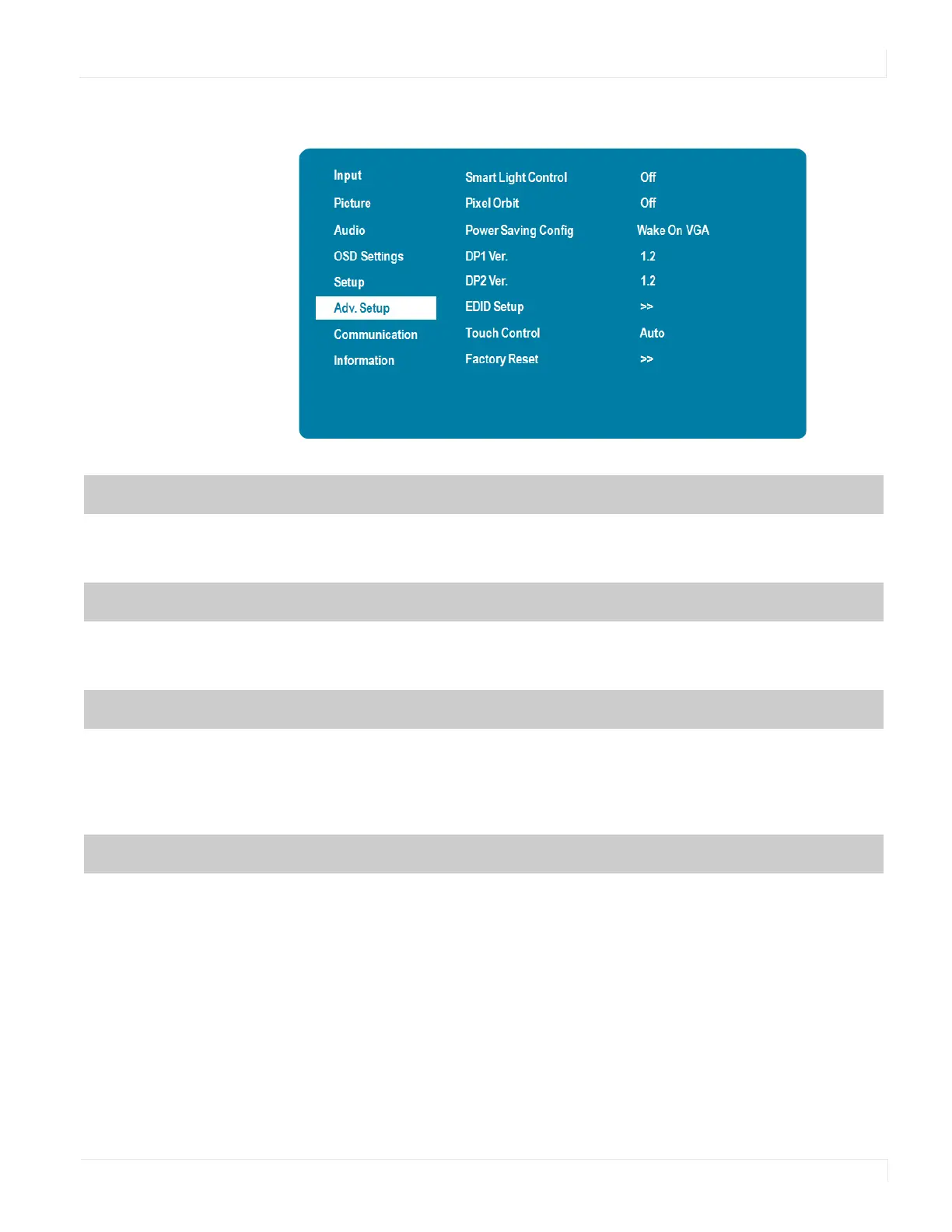
Advanced Setup Menu
EP Series Ultra HD LCD Displays User Guide 41
Advanced Setup Menu
Smart Light Control
Enable dynamic contrast (DCR) or ambient light sensor
Options: Off, DCR, Light Sensor
Default: Off
Pixel Orbit
Create slight frame motion to help avoid image retention
Options: On, Off
Default: Off
Power Saving Config
Options: Wake on VGA, Wake on All, Always On
Default: Wake on VGA
Note: For Wake on VGA and Wake on All, the display will enter power saving mode if no
signal is received for 5 minutes.
DP1 Ver.
Select the DisplayPort version of the DP1 input
Options: 1.1, 1.2
Default: 1.2
Note: DisplayPort 1.2 is the more modern standard and supports 3840x2160 @ 60 Hz
resolution. However, sometimes DisplayPort 1.1 is needed for compatibility with older
graphics cards.



 To Next Page