System Status
EP Series Ultra HD LCD Displays User Guide 61
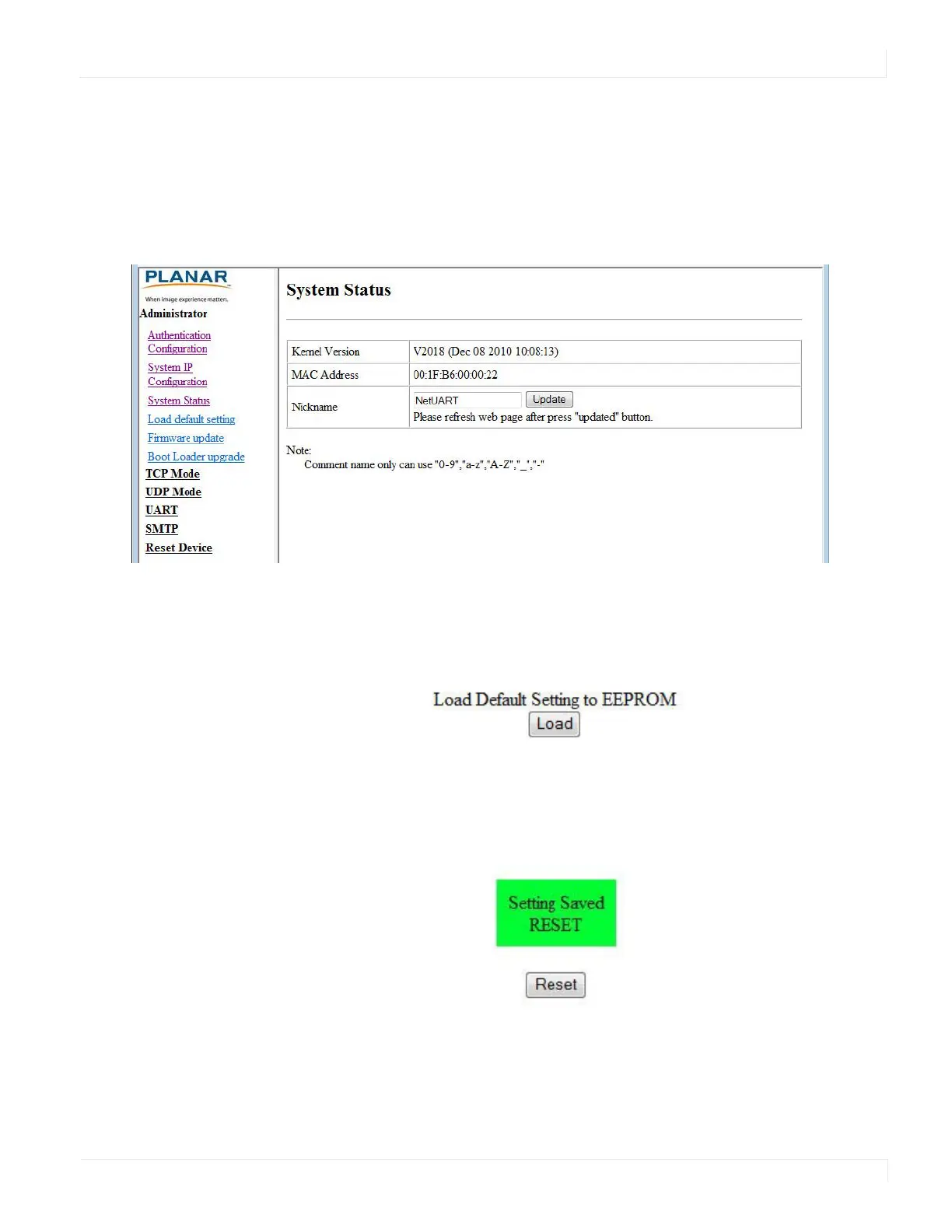
System Status
• Kernel version - Shows the firmware version for the network interface.
• MAC Address - Shows the unique address assigned to the network interface.
• Nickname - Enter a device tag, up to 12 characters. This tag will appear in email
alerts, which help you identify the source of the alert.
Lo ad Default Setting
1 Click the LOAD button to return the network interface to default settings.
2 After a few seconds, you will see a green box with the message “Setting Saved
RESET.” Click the RESET button to restart the network interface.



 To Next Page