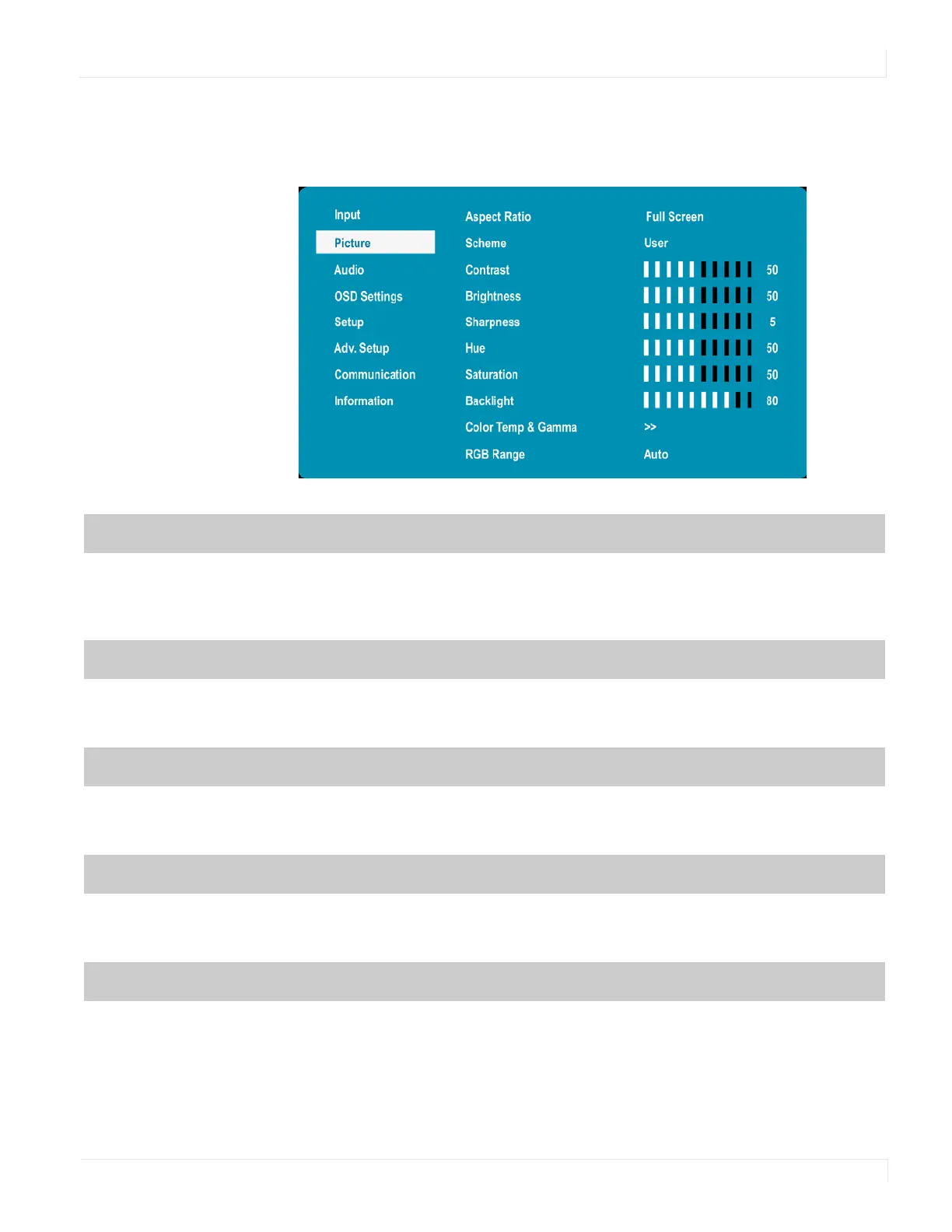
Picture Menu
EP Series Ultra HD LCD Displays User Guide 27
Picture Menu
This menu is used for making common image adjustments.
Aspect Ratio
Adjust the aspect ratio of the screen. The first selection is for the main source, and the
second selection is for sources 2-4.
Options: Full Screen, Letterbox, 4:3, /BUJWF
Default: 'VMM4DSFFO
Scheme
Press e or f to select one of the following:
Options: User, Vivid, Cinema, Game, Sport
Default: User
Contrast
Increase or decrease the contrast of picture. Press e or f to select the desired level.
Range: 0~100
Default: 50
Brightness
Increase or decrease the brightness of picture. Press e or f to select the desired level.
Range: 0~100
Default: 50
Sharpness
Adjust the definition of picture. Press e or f to select the desired level.
Range: 0~10
Default: 5



 To Next Page