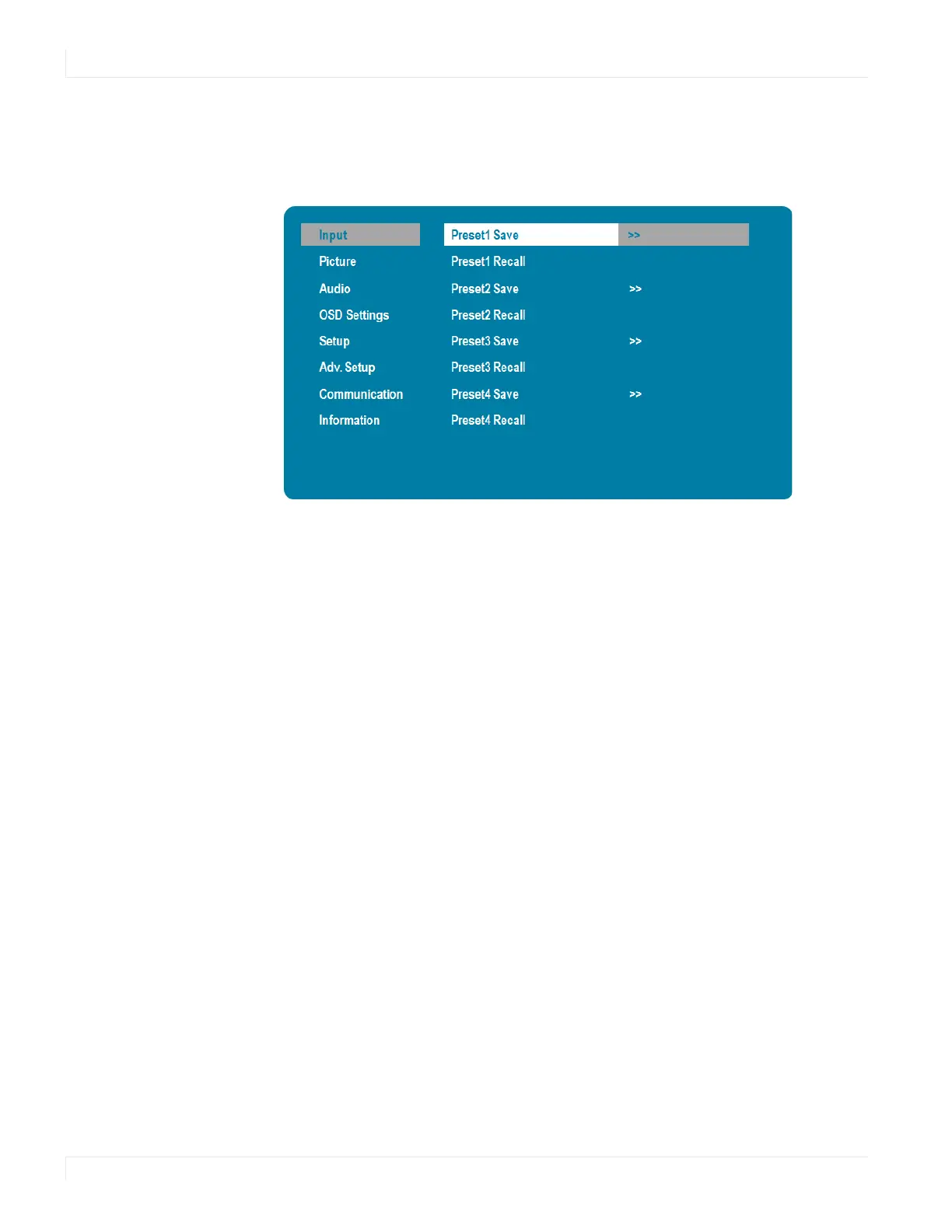
Multi-Source Presets Submenu
26 EP Series Ultra HD LCD Displays User Guide
Multi-So urce Presets Submenu
Save and recall up to four configurations of single or multi-source layouts. Source
selection and location are saved within each preset.
Saving Co nfiguratio ns
1 Set up the single or multi-source layout as desired.
2 Select PRESET1 SAVE, PRESET2 SAVE, PRESET3 SAVE, or PRESET4 SAVE to assign the
configuration to one of the preset slots.
Recalling Sto red Co nfiguratio ns
1 Select PRESET1 RECALL, PRESET2 RECALL, PRESET3 RECALL, or PRESET4 RECALL in the
on screen menu to recall the desired saved configuration. Presets can be also be
recalled from RS-232.
Note: Presets can be overridden but cannot be deleted.



 To Next Page