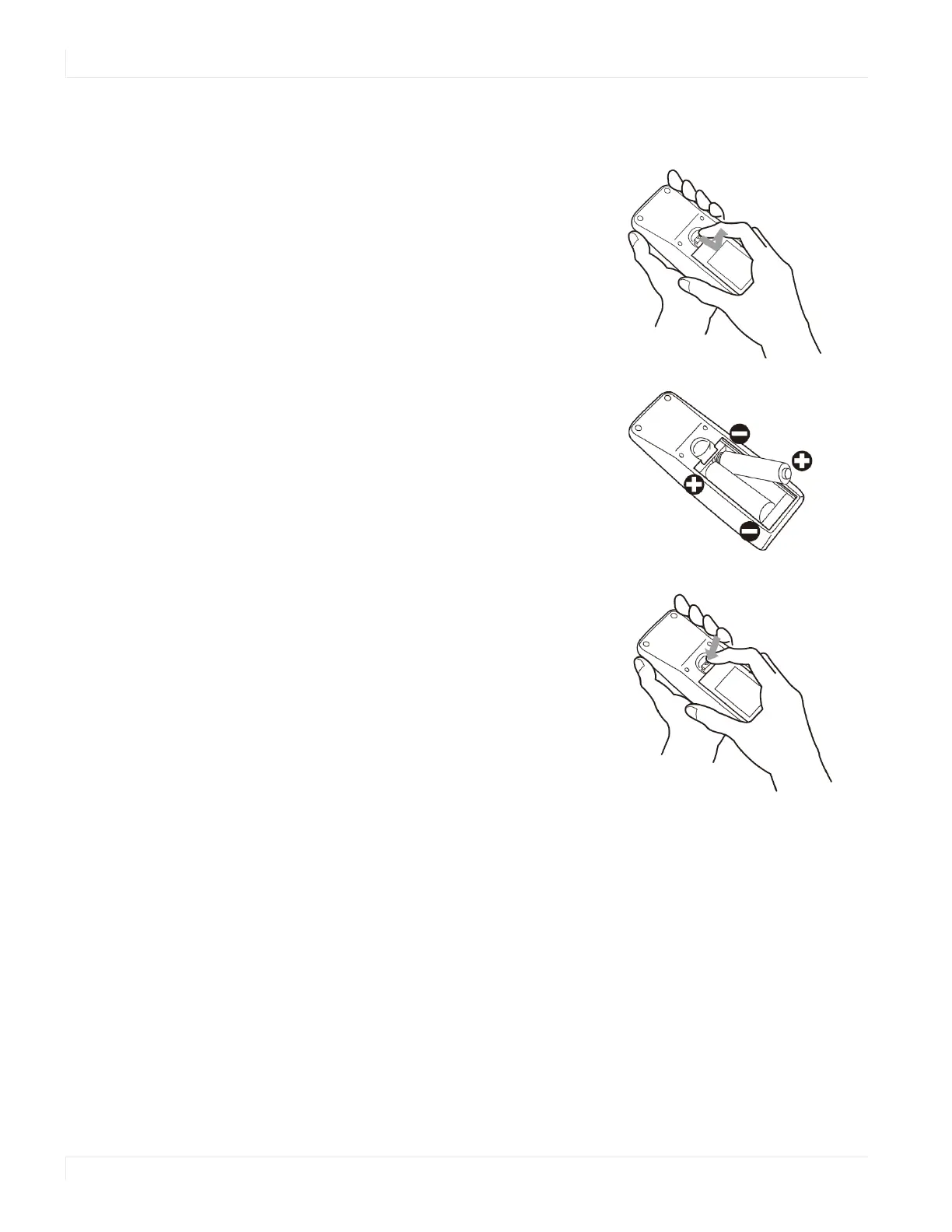
Changing the Remote Control Battery
22 EP Series Ultra HD LCD Displays User Guide
Changing the Remo te Co ntro l Battery
Turning the Disp lay On
1 Insert the power cord into the display and into the power outlet.
2 Ensure the AC switch is set to “—“.
3 Press the power button on the remote or side control panel.
1
Remove the battery cover.
Slide back and remove the battery cover in the
direction of the arrow.
2 Insert the batteries.
Align and insert two AAA batteries according
to their plus and minus ports (as indicated in
the remote control).
3Close the battery cover.
Replace the battery cover in the direction of
the arrow and snap it back into place.



 To Next Page