Locking/Unlocking the OSD Menus
EP Series Ultra HD LCD Displays User Guide 21
Lo cking/Unlo cking the OSD Menus
You can lock or unlock the OSD menus by pressing a series of key commands on the
remote control. To lock the menu, press the following keys on the remote in the
order listed: ENTER, ENTER, EXIT, EXIT, ENTER and EXIT. To unlock it, simply follow the
same sequence.
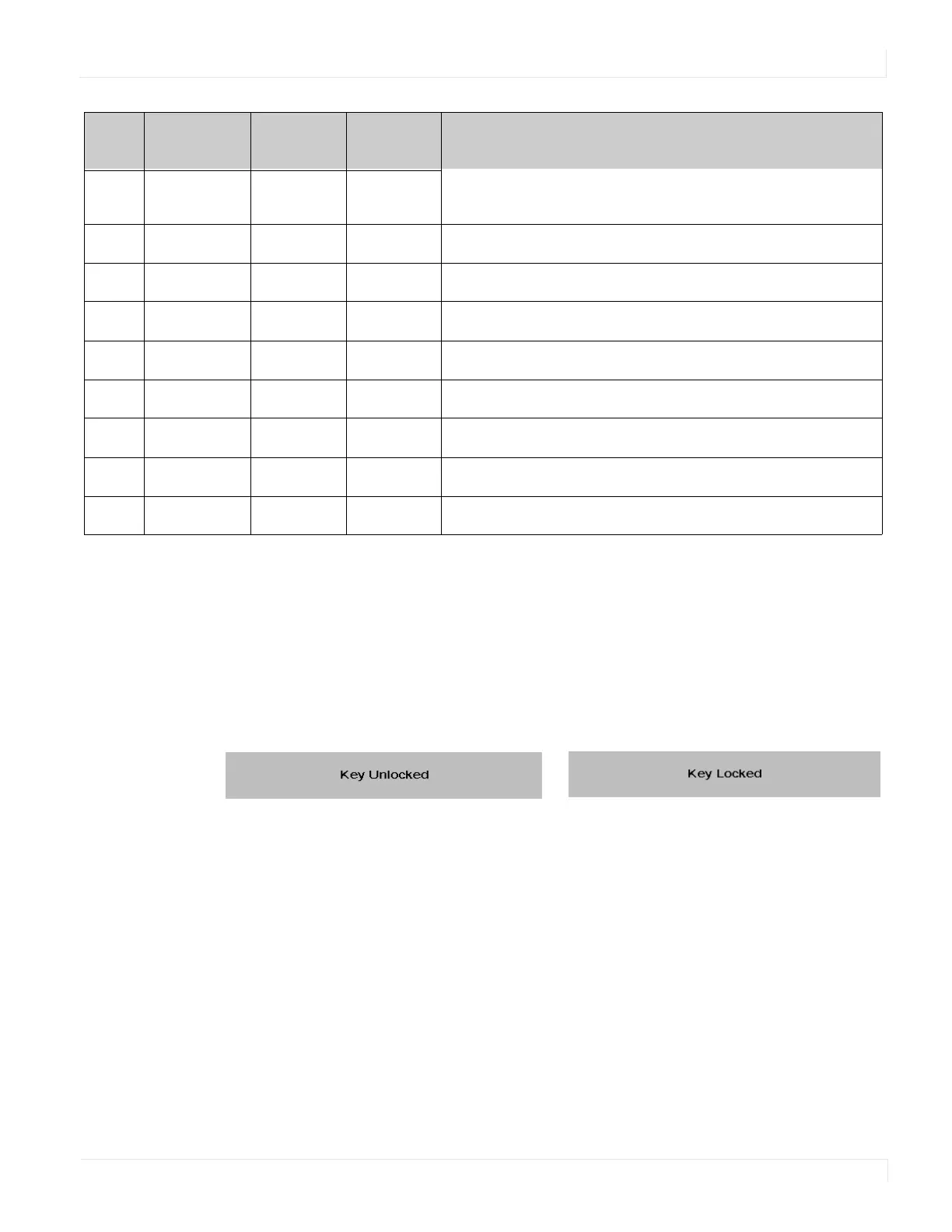
Depending on whether you locked or unlocked the menu, you will see one of the
following messages on the screen.
26
SCALING
40AF 14EB Toggles between different aspect ratios (Auto, Native, 4 x 3,
Full Screen and Letterbox)
27
FREEZE
40AF 43BC Freezes the current source image
28
MUTE
40AF 00FF Turns off the sound
29
BRIGHT
40AF 17E8 Adjusts the brightness
30
CONTRAST
40AF 18E7 Adjusts the contrast
31
AUTO
40AF 1EE1 Synchronizes the display to the source
32
SOURCE
40AF 0FF0 Allows selection of the different sources
33
VOLUME -
40AF 1BE4 Decreases the sound volume
34
VOLUME +
40AF 1DE2 Increases the sound volume
Num Function
Customer
Code
Hex Code Description



 To Next Page