Using the Remote Control
20 EP Series Ultra HD LCD Displays User Guide
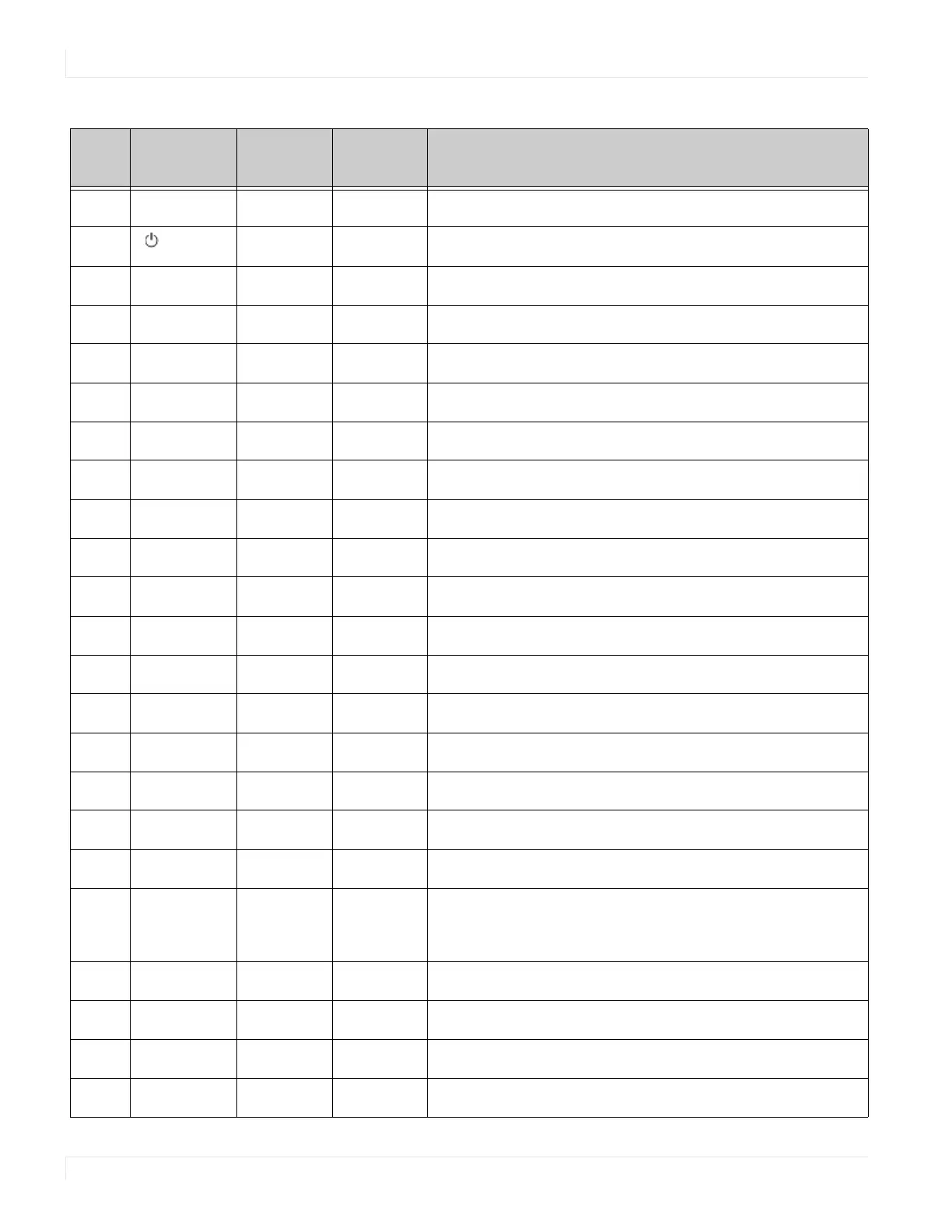
Num Function
Customer
Code
Hex Code Description
1
INFO
40AF
04FB Provides source and resolution information
2
40AF 1CE3 Turns the display on and off
3
VGA
40AF 07F8 Selects the VGA source
4
DP1
40AF 08F7 Selects the DP1 source
5
HDMI1
40AF 09F6 Selects the HDMI source 1
6
Not used
7
DP2
40AF 0BF4 Selects the DP2 source
8
HDMI2
40AF 0CF3 Selects the HDMI source 2
9
P-position
40AF 1AE5 Selects the PiP (Picture-in-Picture) position
10
OPS
40AF 15EA Selects the OPS source
11
HDMI3
40AF 10EF Selects the HDMI source 3
12
PIP
40AF 11EE Selects the Multi-Source View
13
Not used
14
HDMI4
40AF 16E9 Selects the HDMI source 4
15
SWAP
40AF 06F9 Swaps the main input source with source 2
16
P-SOURCE
40AF 13EC Selects the PiP (Picture-in-Picture) source
17
c
40AF 02FD Navigates up through submenus and settings
18
W
40AF 01FE Navigates back through submenus and settings
19 MENU
40AF 0EF1 Opens the display’s on-screen menu system. When the
menu system is already open, pressing this button will
select the previous submenu.
20
X
40AF 03FC Navigates forward through submenus and settings
21
T
40AF 19E6 Navigates down through submenus and settings
22
ENTER
40AF 12ED Selects highlighted menu choices
23
EXIT
40AF 05FA Closes the menu system



 To Next Page