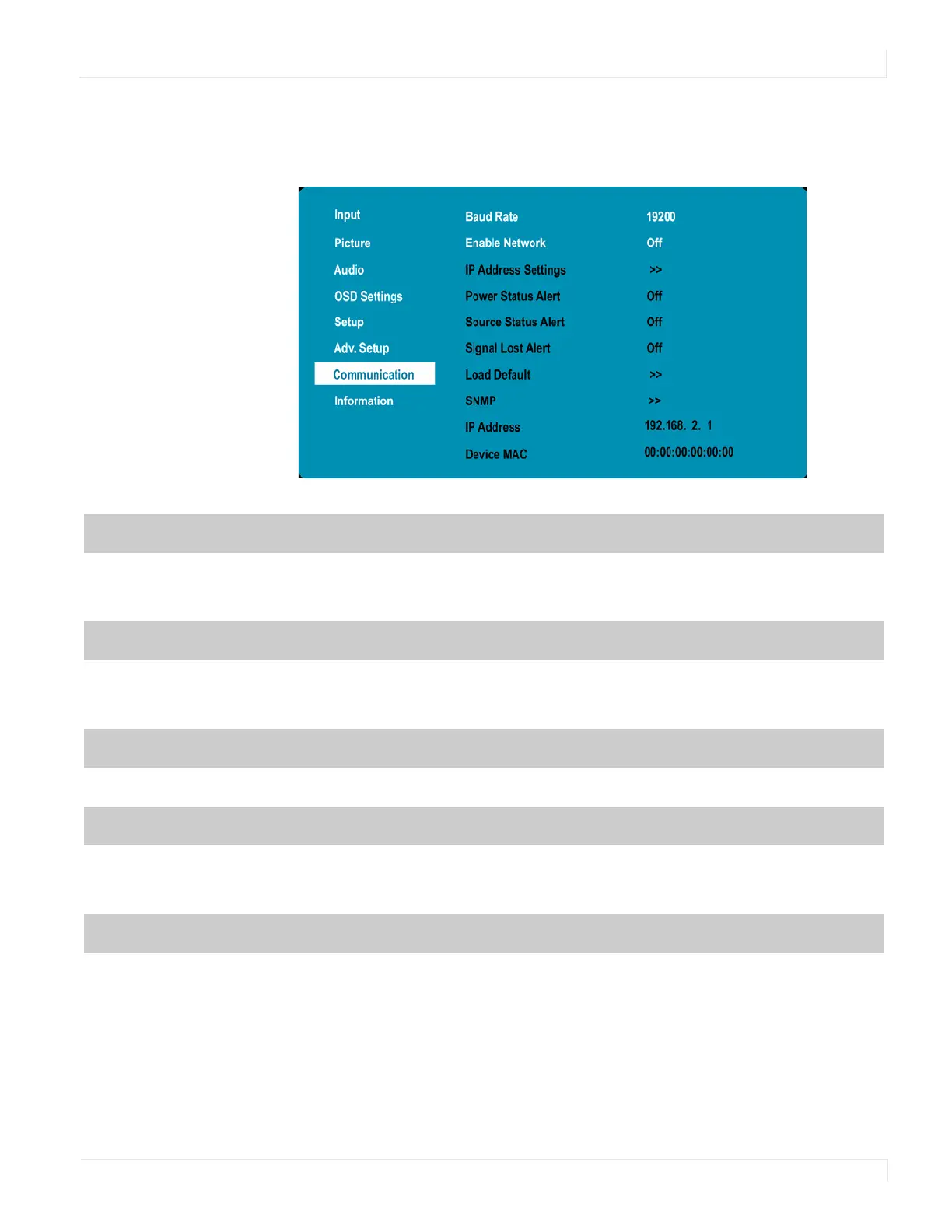
Communication Menu
EP Series Ultra HD LCD Displays User Guide 43
Co mmunicatio n Menu
This menu configures the display’s RS-232 and Ethernet communication ports.
Baudrate
Select the baud rate of the display’s RS-232 port
Options: 115200, 38400, 19200, 9600
Default: 19200
Enable Network
Enable the display’s built-in Ethernet port
Options: On, Off
Default: Off
IP Address Settings
Enable Dynamic IP mode or set the static IP address of the display’s Ethernet port
Power Status Alert
Enable an automatic alert when the display is powered down
Options: On, Off
Default: Off
Source Status Alert
Enable an automatic alert when the source is changed
Options: On, Off
Default: Off



 To Next Page