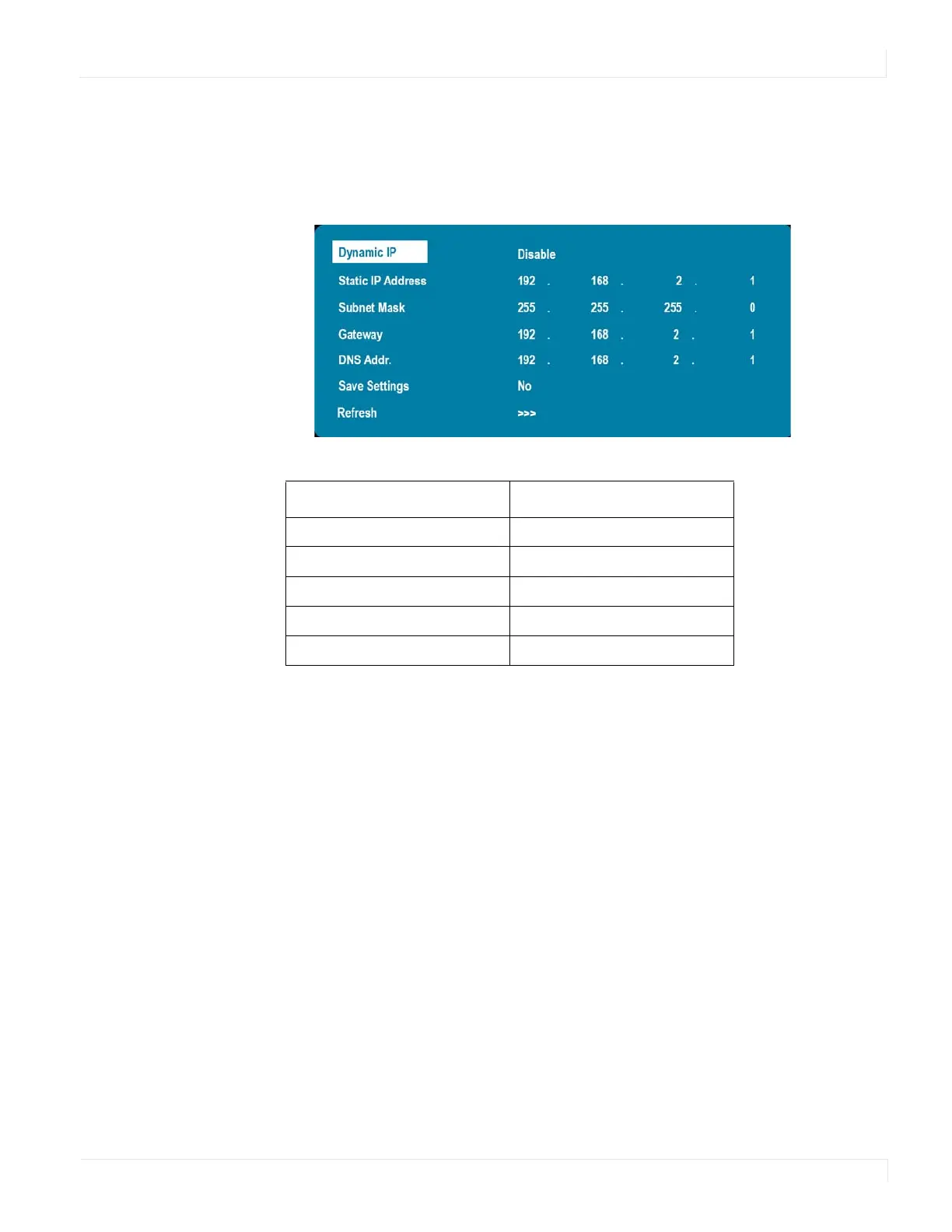
Communication Menu
EP Series Ultra HD LCD Displays User Guide 45
Assigning an IP Address to the Disp lay
To assign an IP address to your display, access the IP Address Settings Menu in the
Communication menu. Consult your system administrator if you do not know how
to configure the parameters shown in the menu.
The default settings are shown below.
Item Setting
Dynamic IP Disable
Static IP Address 192.168.2.1
Subnet Mask 255.255.255.0
Gateway 192.168.2.1
DNS Addr. 192.168.2.1



 To Next Page