41
4. CONSOLE INTERFACE
4.1 CONNECT TO PC
To configure the system through its console interface, connect a serial cable to a COM port on a PC or
notebook computer and to serial (console) port of the device. The console port of the device is DCE
already, so that you can connect the console port directly through PC without the need of Null Modem.
A terminal program is required to make the software connection to the device. Windows’ Hyper Ter-
minal program may be a good choice. It can be accessed from the Start menu. Click START, then
Programs, Accessories and then Hyper Terminal.
MS-DOS based terminal program such as PC-PLUS, PROCOMM, can also make the connection with
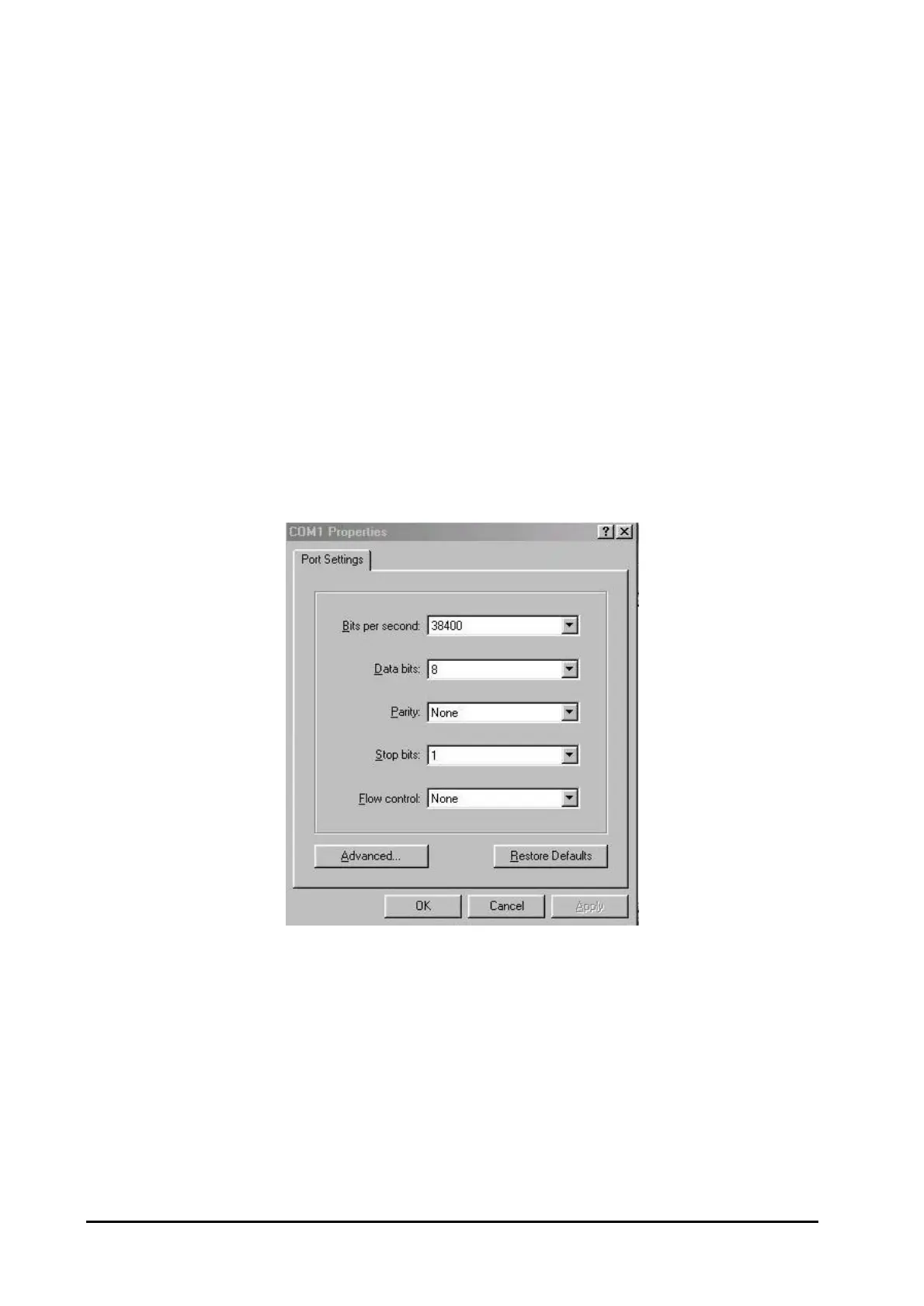
the device built-in software. The COM port should be configured as:
♦ Baud : 38400
♦ Parity : None
♦ Data bits : 8
♦ Stop bits : 1
♦ Flow Control: none
For example, if using Hyperterminal, the configuration should be:
Figure 4-1: Port Settings for console interface















 To Next Page