70
4.2.8 stack--STACK Management Commands
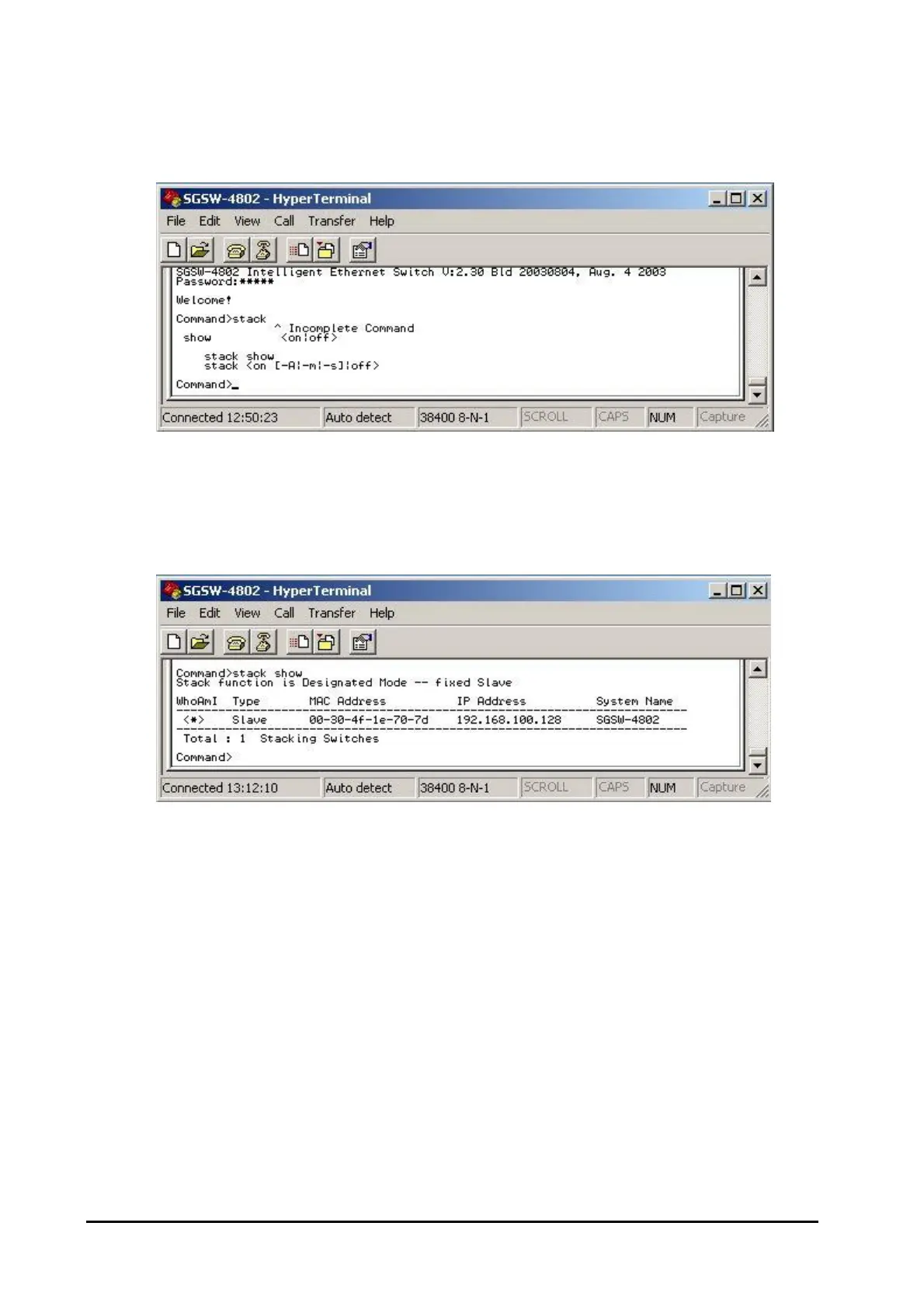
These commands allow configuring the Stack Parameters. The screen in Figure 4-60 appears.
Figure 4-60: Stack Screen
4.2.8.1 stack show
This command allows to viewing the current status of stack function. The screen in Figure 4-61 ap-
pears.
Figure 4-61: Stack show Screen
4.2.8.2 stack <on [-A|-m|-s]|off>
This command allows enable the stack function. There are four available options from the “Stacking
State”. The options and descriptions are shown as below:
Disable: disable stack function.
Auto select: choose this stack mode. It will assign the Switch with minimum MAC address as the
Master device.
Master: choose this stack mode. It will allow user assign one specific Switch as the Master device.
Slave: choose this stack mode. It will allow user assign one specific Switch as the Slave device.



 To Next Page
 Loading...










