User Manual of WDAP-C3000AX, WDAP-3000AX, WDAP-W3000AX
- 100 -
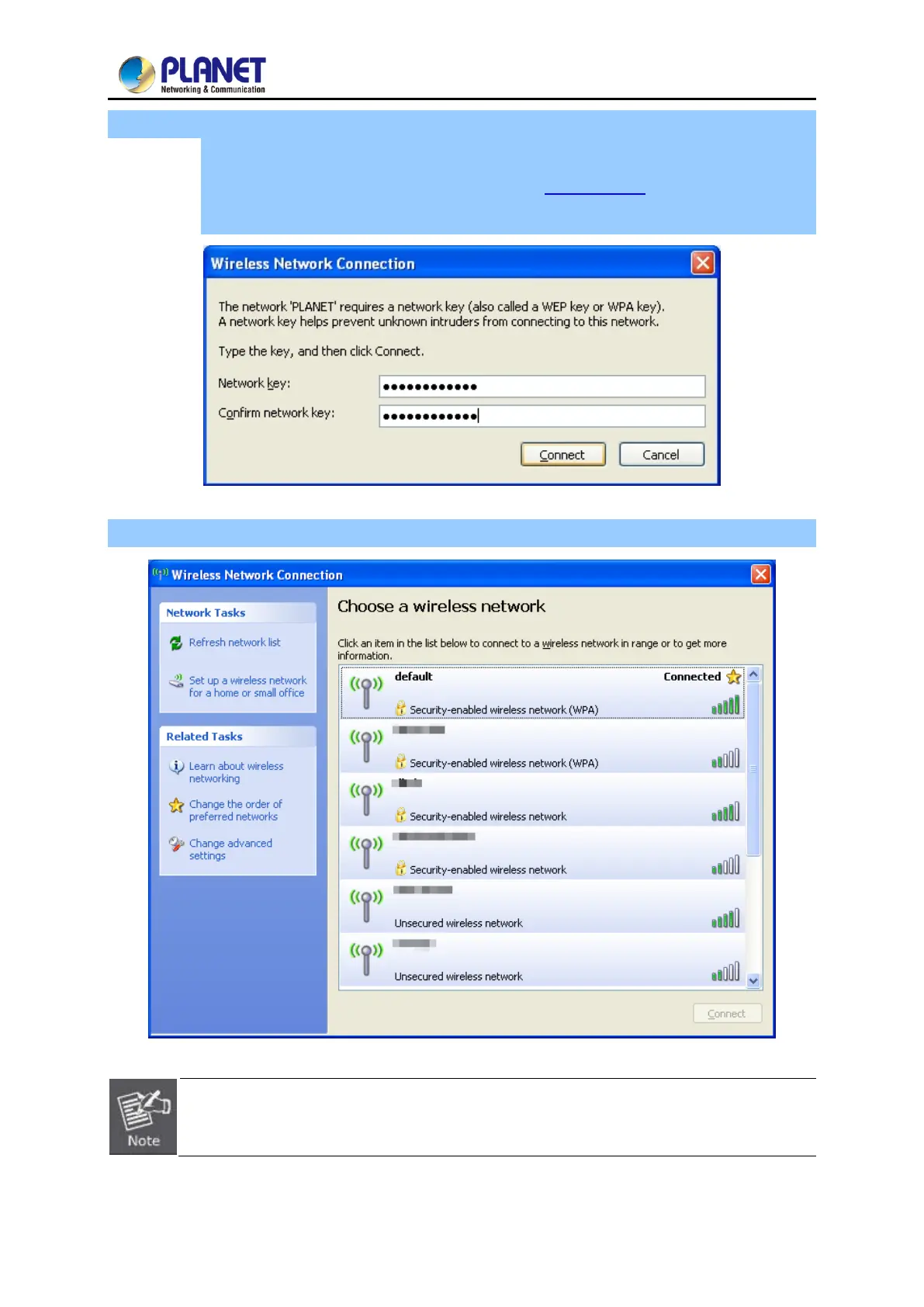
Step 4: Enter the encryption key of the wireless AP
(1) The Wireless Network Connection box will appear
(2) Enter the encryption key that is configured in section 5.7.2.1
(3) Click the [Connect] button
Figure 5-2 Entering the Network Key
Step 5: Check if “Connected” is displayed
Figure 5-3 Choosing a Wireless Network -- Connected
Some laptops are equipped with a “Wireless ON/OFF” switch for the internal wireless LAN.
Make sure the hardware wireless switch is switched to “ON” position.



 To Next Page
 Loading...











