User Manual of WDAP-C3000AX, WDAP-3000AX, WDAP-W3000AX
- 96 -
4.5.5 Reboot / Reset
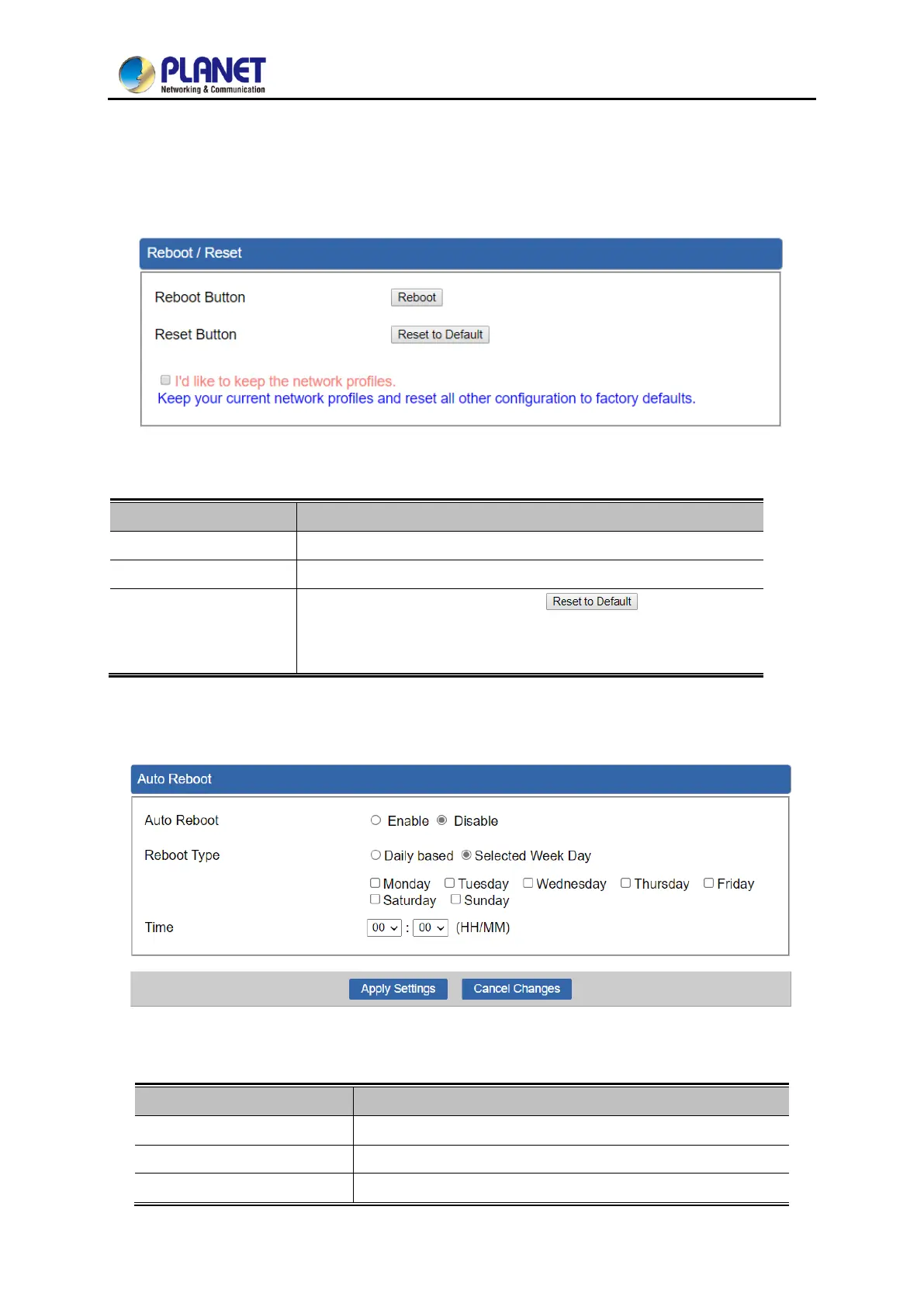
This page enables the device to be rebooted from a remote location. Once the Reboot button is
pressed, users have to re-log in the Web interface as Figure 4-66 is shown below:
Figure 4-66: Reboot/Reset
Press the button to reboot system.
Press the button to restore all settings to factory default settings.
I'd like to keep the
network profiles.
Check the box and then press the button to keep
the current network profiles and reset all other configurations to
factory defaults.
4.5.6 Auto Reboot
Figure 4-67: Auto Reboot
Disable or enable the Auto Reboot function.
Select reboot time for clock



 To Next Page
 Loading...











