EasyManua.ls Logo

Planet WDAP-3000AX - 4.5 Maintenance

Planet WDAP-3000AX
132 pages
Print Icon
To Next Page IconTo Next Page
To Previous Page IconTo Previous Page
Loading...
User Manual of WDAP-C3000AX, WDAP-3000AX, WDAP-W3000AX
- 92 -
4.5 Maintenance
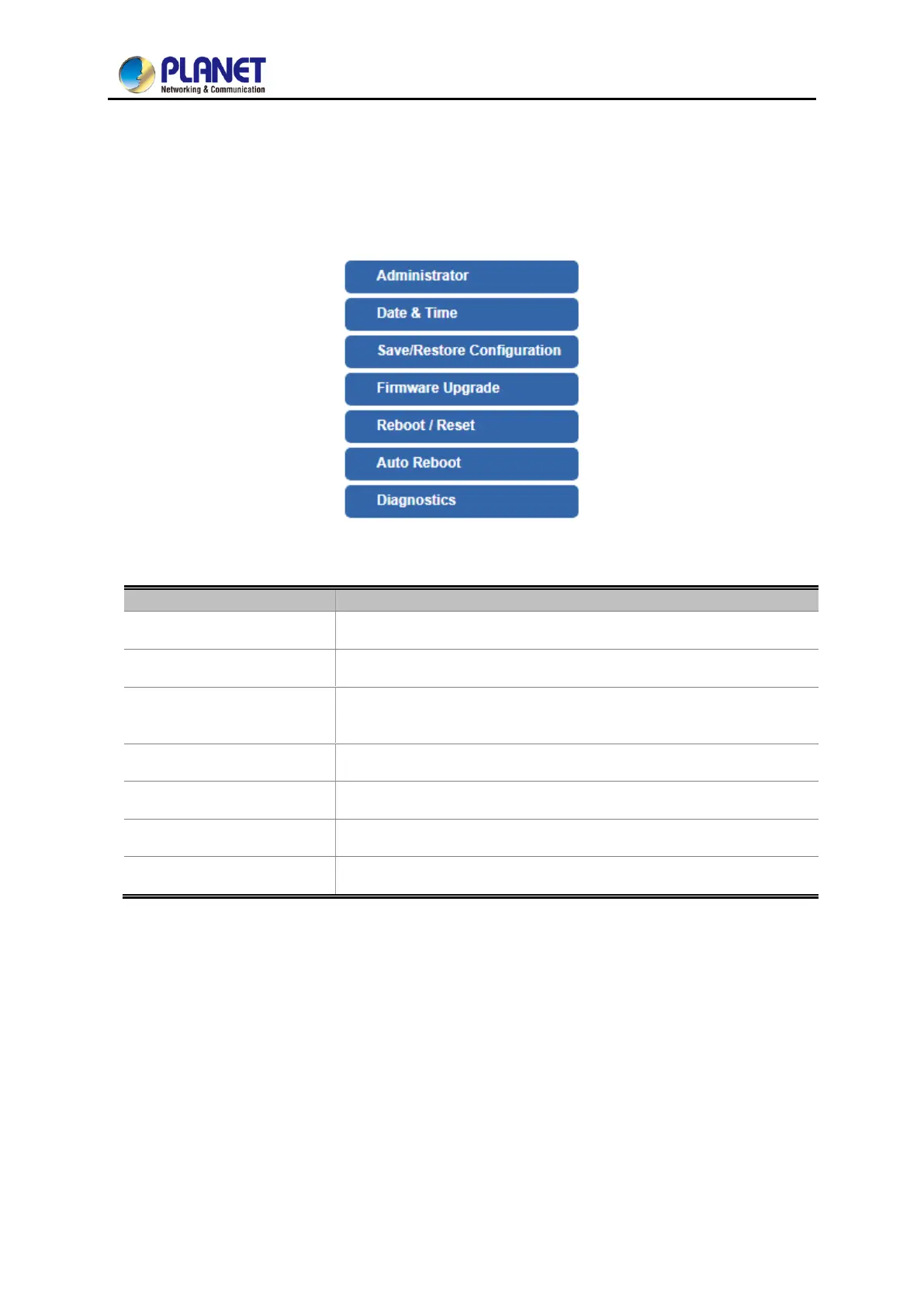
The Maintenance menu provides the following features for managing the system
Figure 4-61: Maintenance
Object
Description
Administrator
Allows changing the login username and password.
Date & Time
Allows setting Date & Time function.
Save/Restore
Configuration
Export the router’s configuration to local or USB sticker.
Restore the router’s configuration from local or USB sticker.
Firmware Upgrade
Upgrade the firmware from local or USB storage.
Reboot / Reset
Reboot or reset the system.
Auto Reboot
Allows setting auto-reboot schedule.
Diagnostics
Allows you to issue ICMP PING packets to troubleshoot IP.

Table of Contents

Other manuals for Planet WDAP-3000AX

Related product manuals