User Manual of WDAP-C3000AX, WDAP-3000AX, WDAP-W3000AX
- 104 -
5.3 Mac OS X 10.x
In the following sections, the default SSID of the WDAP series is configured to “default”.
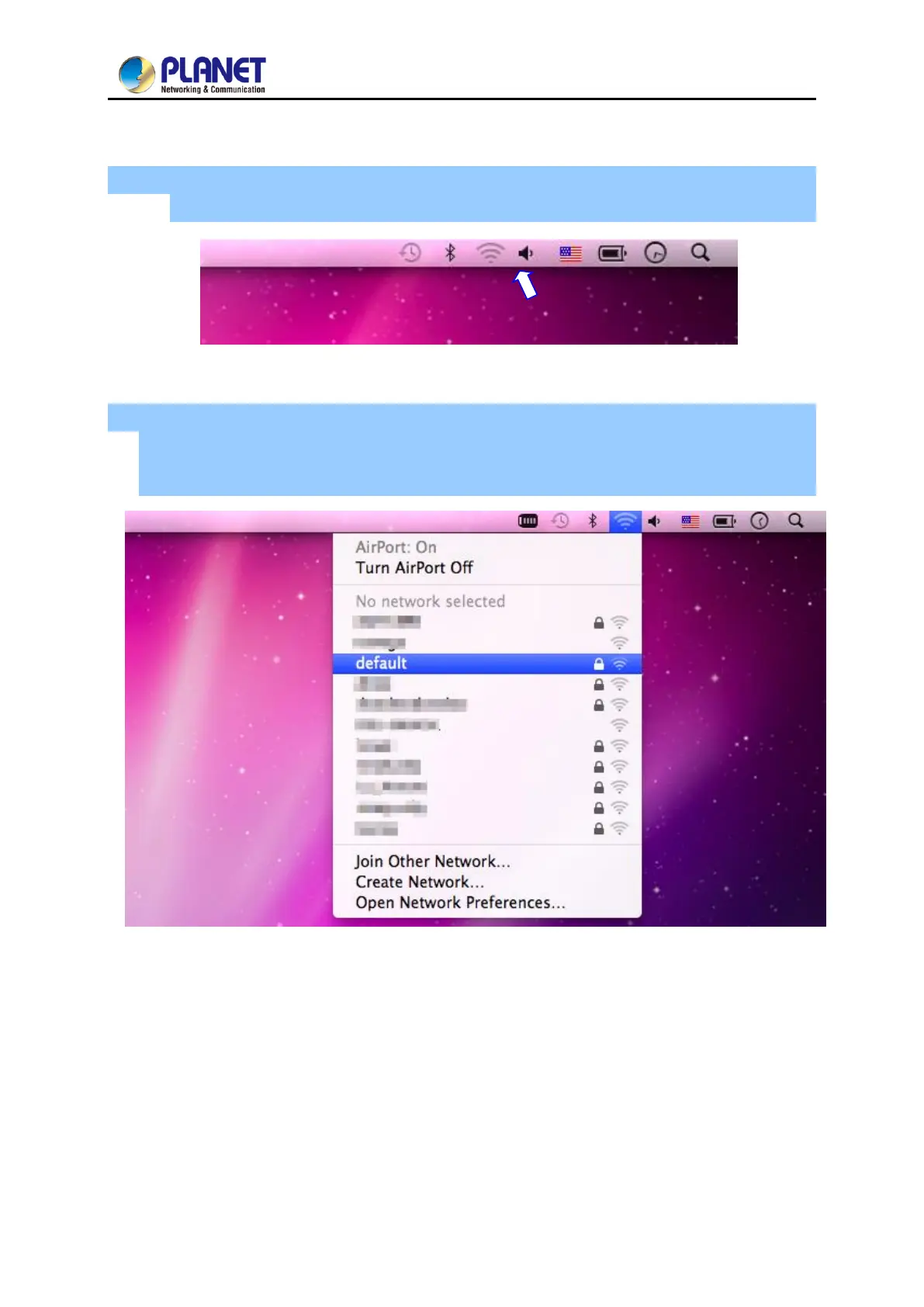
Step 1: Right-click on the network icon displayed in the system tray
The AirPort Network Connection menu will appear.
Figure 5-9 Mac OS – Network Icon
Step 2: Highlight and select the wireless network (SSID) to connect
(1) Select and SSID [default].
(2) Double-click on the selected SSID.
Figure 5-10 Highlighting and Selecting the Wireless Network



 To Next Page
 Loading...











