User Manual of WDAP-C3000AX, WDAP-3000AX, WDAP-W3000AX
- 101 -
5.2 Windows 7/8/10/11 (WLAN AutoConfig)
WLAN AutoConfig service is built-in in Windows 7 that can be used to detect and connect to wireless
network. This built-in wireless network connection tool is similar to wireless zero configuration tool in
Windows XP.
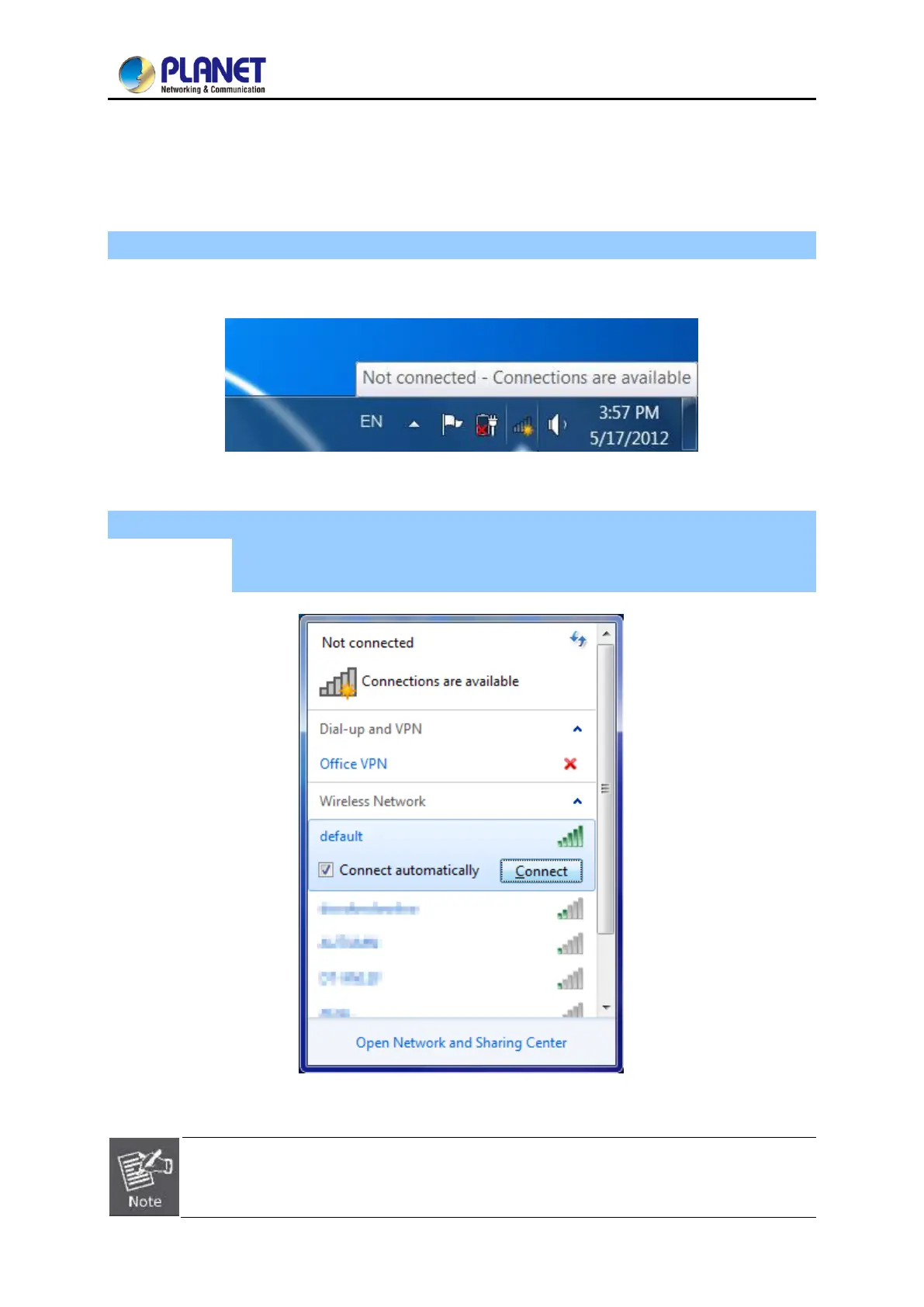
Step 1: Right-click on the network icon displayed in the system tray
Figure 5-4 Network Icon
Step 2: Highlight and select the wireless network (SSID) to connect
(1) Select SSID [default]
(2) Click the [Connect] button
Figure 5-5 WLAN AutoConfig



 To Next Page
 Loading...











