User Manual of WDAP-C3000AX, WDAP-3000AX, WDAP-W3000AX
- 37 -
3.4 Starting Setup in the Web UI
It is easy to configure and manage the AP with the web browser.
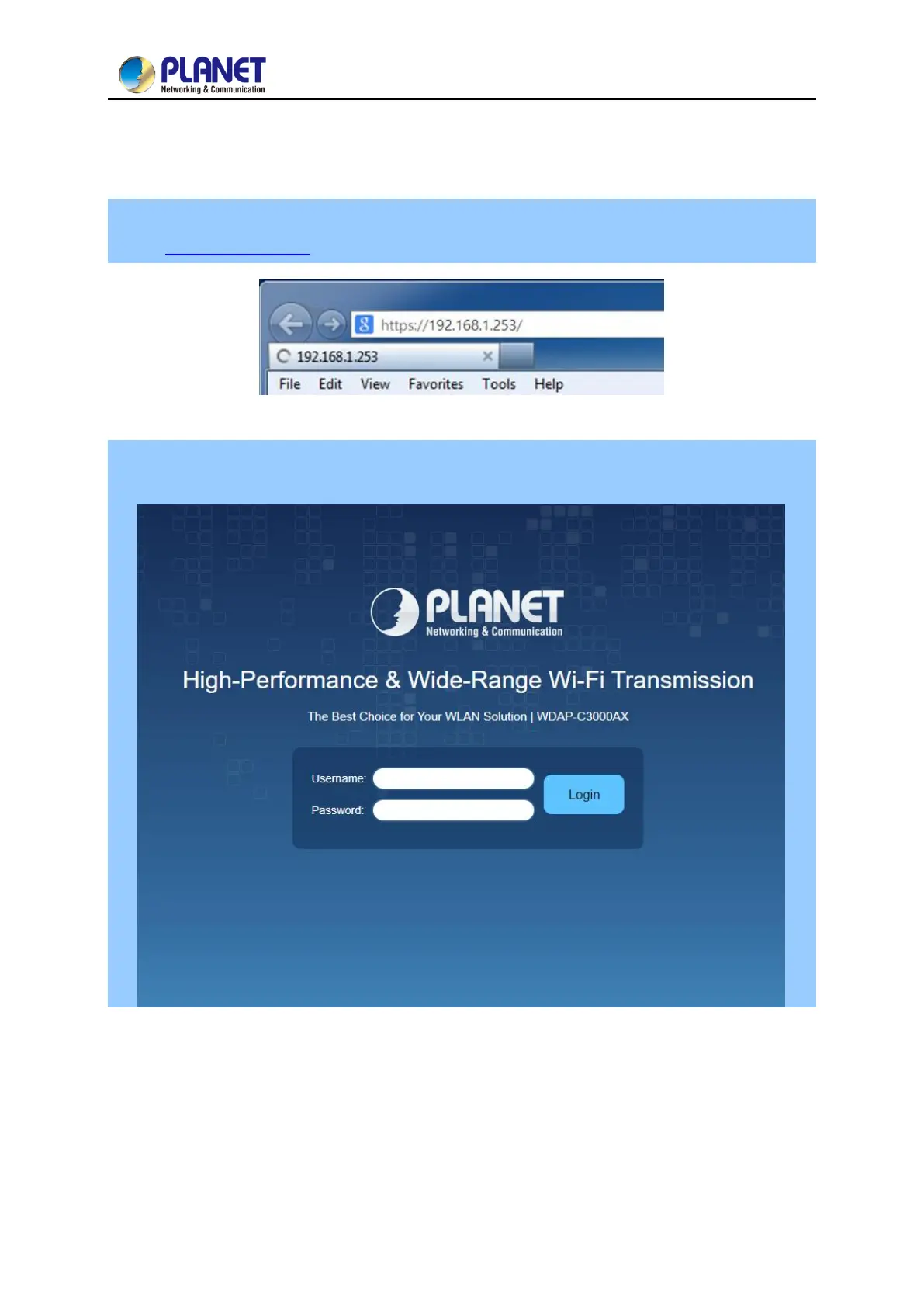
Step 1. To access the configuration utility, open a web-browser and enter the default IP address
https://192.168.1.253 in the web address field of the browser.
Figure 3-9 Login by Default IP Address
Step 2. When the login window pops up, please enter username and password. Please enter the
default user name “admin” and password. Refer to Step 3 to determine your initial login password.
Figure 3-10 Login Window



 To Next Page
 Loading...











