User Manual of WDAP-C3000AX, WDAP-3000AX, WDAP-W3000AX
- 36 -
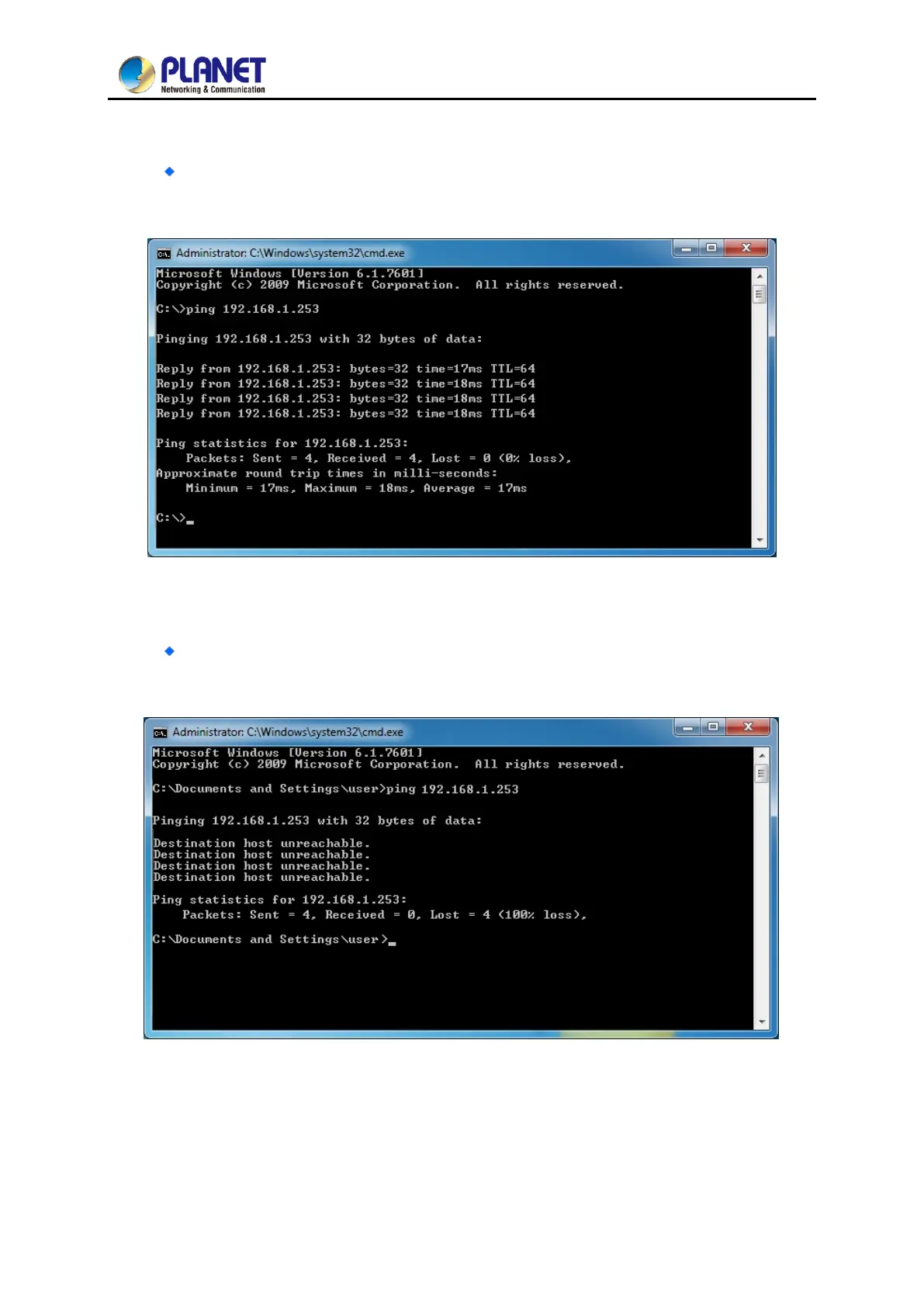
3. Open a command prompt, type ping 192.168.1.253 and then press Enter.
If the result displayed is similar to Figure 3-7, it means the connection between your PC
and the AP has been established well.
Figure 3-7 Successful Result of Ping Command
If the result displayed is similar to 3-8, it means the connection between your PC and the
AP has failed.
Figure 3-8 Failed Result of Ping Command
If the address is 0.0.0.0, check your adapter installation, security settings, and the settings on your AP.
Some firewall software programs may block a DHCP request on newly installed adapters.



 To Next Page
 Loading...











