User Manual of WDAP-C3000AX, WDAP-3000AX, WDAP-W3000AX
- 82 -
4.3.7 DMZ
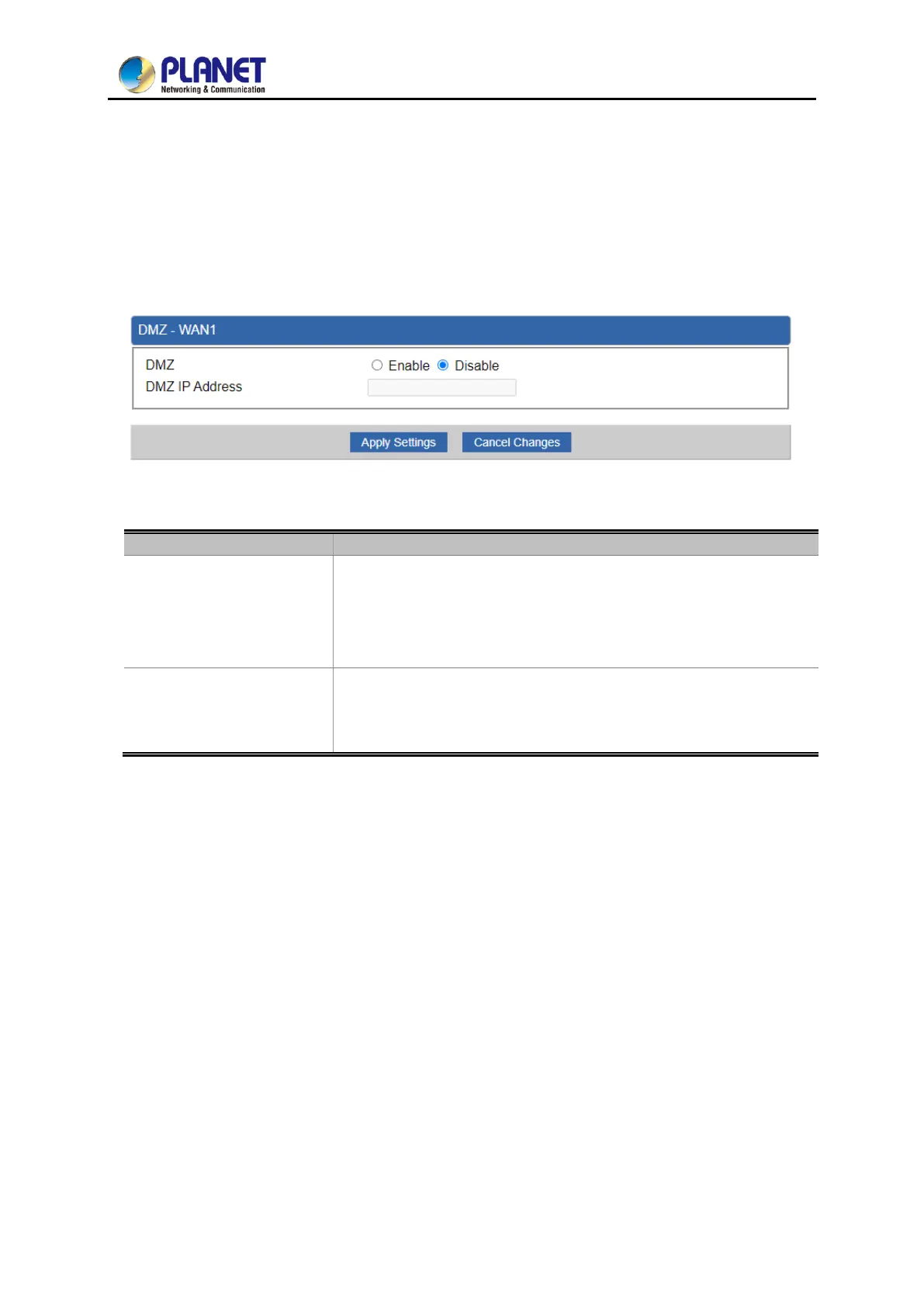
A Demilitarized Zone is used to provide Internet services without sacrificing unauthorized access to its
local private network as shown in Figure 4-51. Typically, the DMZ host contains devices accessible to
Internet traffic, such as Web (HTTP) servers, FTP servers, SMTP (e-mail) servers and DNS servers.
Figure 4-51: DMZ
Set the function as enable or disable. If the DMZ function is enabled,
it means that you set up DMZ at a particular computer to be exposed
to the Internet so that some applications/software, especially
Internet/online game can have two way connections.
Enter the IP address of a particular host in your LAN which will
receive all the packets originally going to the WAN port/Public IP
address above.



 To Next Page
 Loading...











