User’s Manual of WNRT-617
-10-
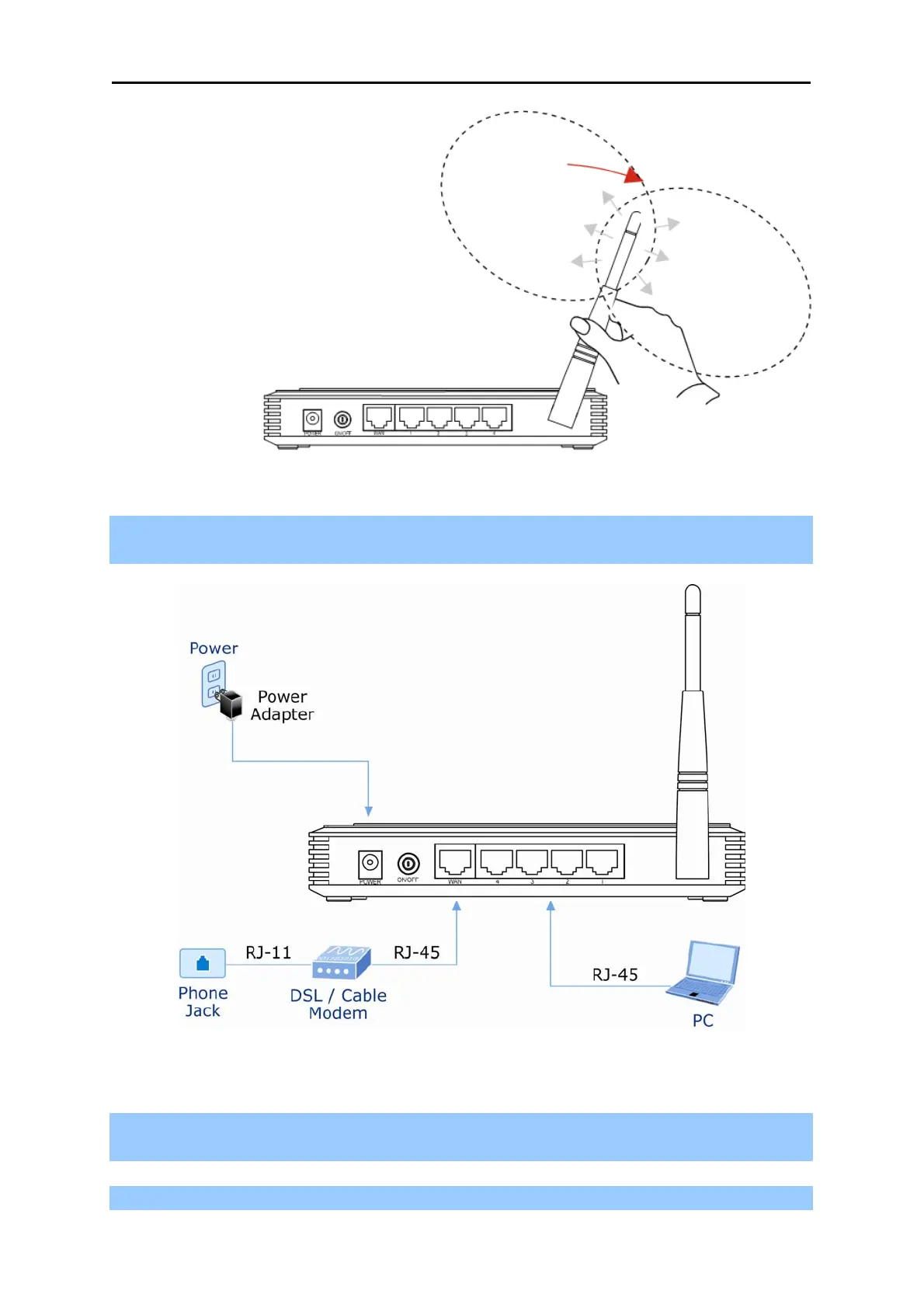
Figure 3-1 Adjust the direction of the antenna
Step 4. Connect the PC or Switch/Hub in your LAN to the LAN Ports (Yellow ports) of the Router with
Ethernet cable, shown in Figure 3-2.
Figure 3-2 Hardware Installation of the WNRT-617 Wireless Router
Step 5. Connect the power adapter to the power socket on the Router, and the other end into an
electrical outlet. Then power on the Router.
Step 6. Power on your PC and Cable/DSL Modem.



 To Next Page