User’s Manual of WNRT-617
-19-
If the above screen does not pop up, it may mean that your web-browser has been set to
a proxy. Go to Tools menu>Internet Options>Connections>LAN Settings, in the screen
that appears, cancel the Using Proxy checkbox, and click OK to finish it.
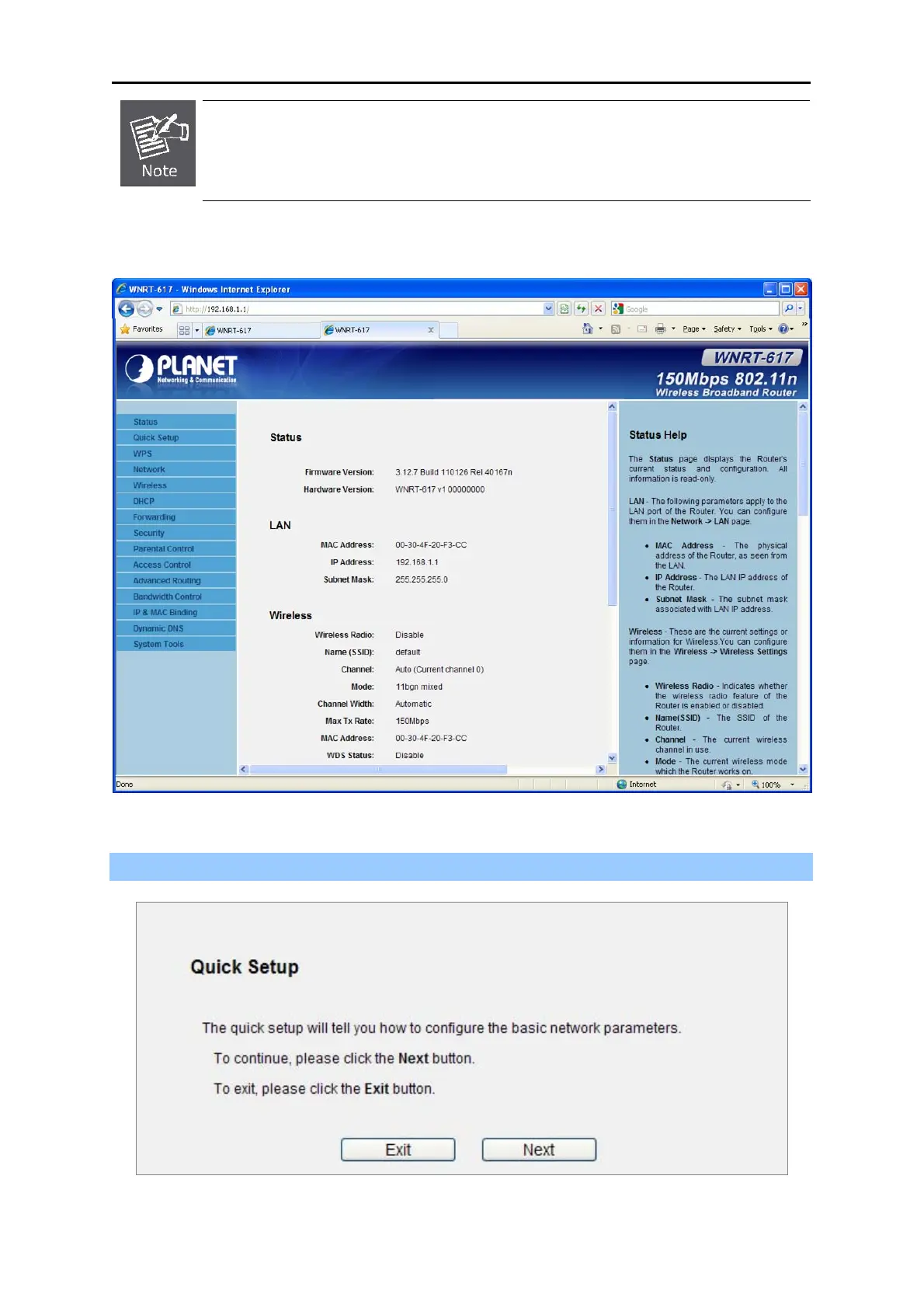
After entering the username and password, the main screen appears as Figure 4-11
Figure 4-11 WNRT-617 Web UI Screenshot
Step 2. After successfully login in, you can click the Quick Setup to quickly configure your Router.
Figure 4-12 Quick Setup



 To Next Page