User’s Manual of WNRT-617
-82-
Enter “www.google.com” in the Allowed Domain Name field.
Select “Schedule_1” you create just now from the Effective Time drop-down list.
In Status field, select Enable.
Step 4. Click Save to complete the settings.
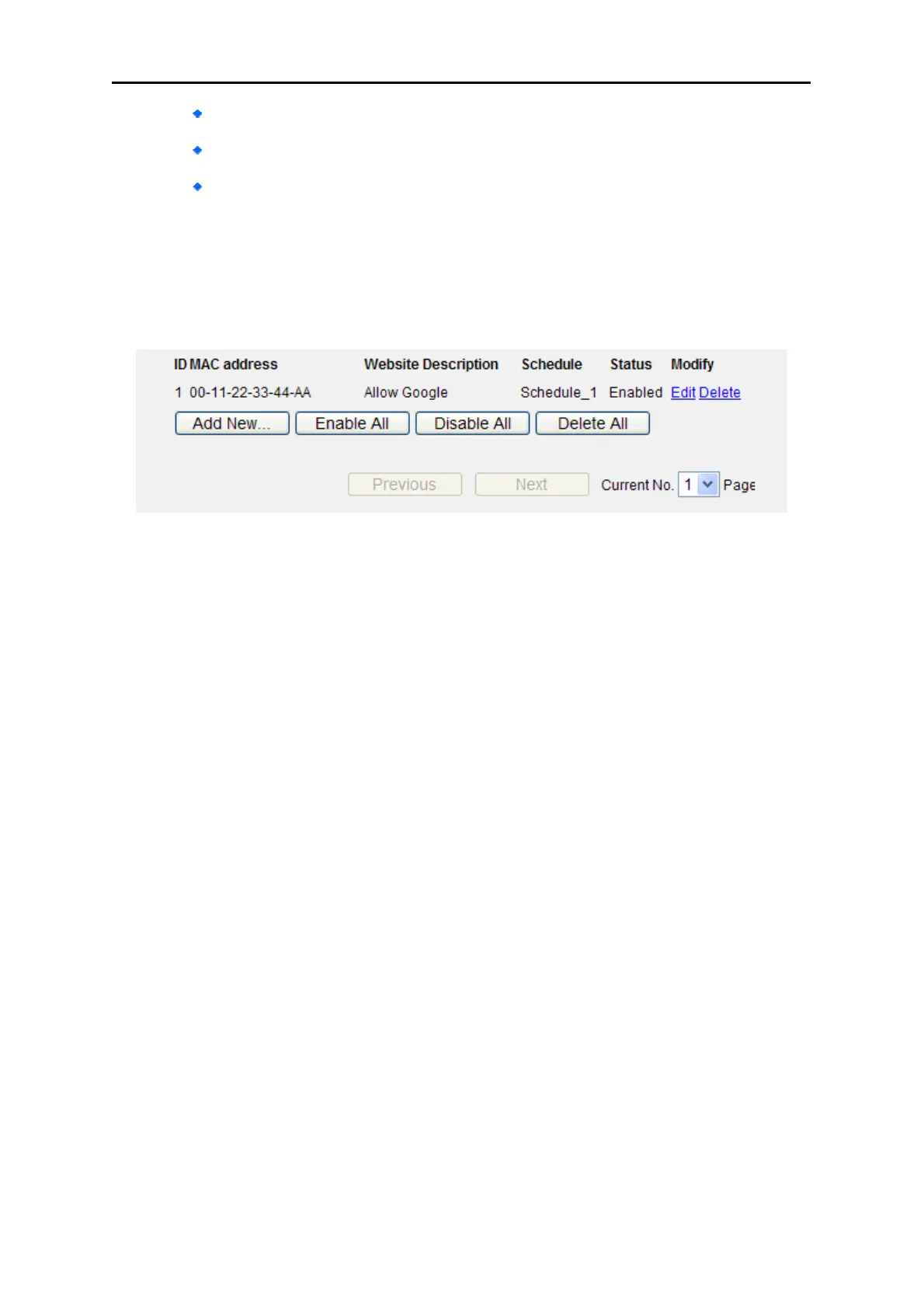
Then you will go back to the Parental Control Settings page and see the following list, as shown
in Figure 5-37.
Figure 5-37 Parental Control Settings



 To Next Page