SQF-3-11
Replacement
Adjustment
29 November 2006
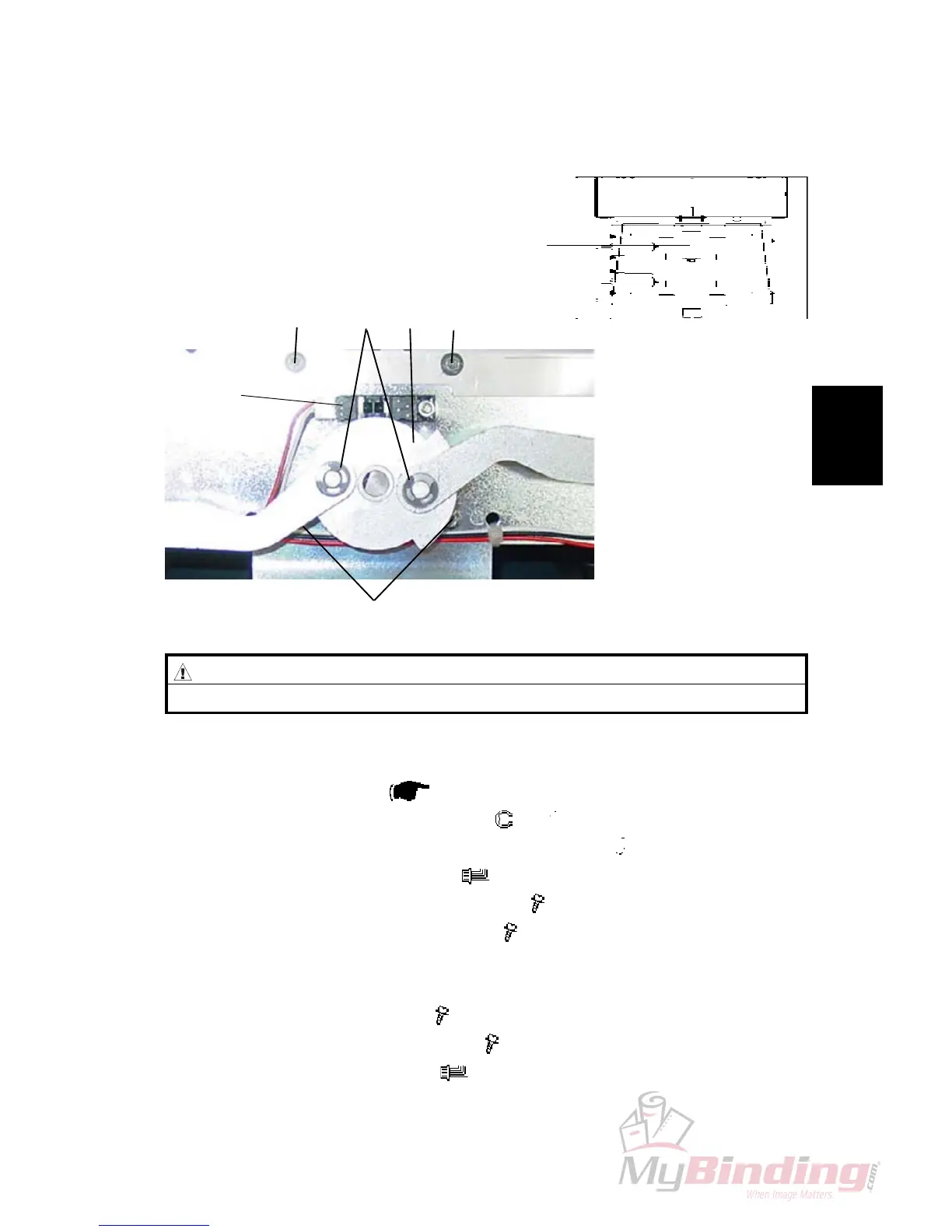
3.2.3 CLAMP MOTOR (M3)
Removal
1. Remove Outfeed Cover (
3.1.4 ).
2. Remove the E-Clips and Washers [A] (
x 2, x 2).
3. Remove the driving disc [B] by loosening allen screw (
x 1).
4. Disconnect the motor connectors (
x 2).
5. Remove screws [C] holding Motor bracket (
x 4).
6. Remove screws holding Motor bracket (
x 3).
Replacement
1. Mount Motor to Motor bracket (
x 3).
2. Reinstall motor, by tighten screw [C] (
x 4).
3. Connect the motor connectors (
x 2) .
NOTE: The Orange wire on ”1”, and the Violet wire on ”2”.
4. Reverse the rest of the removal procedure.
MOTORS
M3
[A][C] [C][B]
[C]
CAUTION
Be careful not to damage sensor SQF-Q4
[SQF-Q4]



 To Next Page