Copyboard, main unit [1]
See “Assembly and Setup Manual” for information about the
assembly parts of the copyboard.
Printer* [1]
Please see the instruction manual of the printer for informa-
tion about the printer accessories.
Stand* [1]
*The printer and stand may be sold separately.
Copyboard Accessories
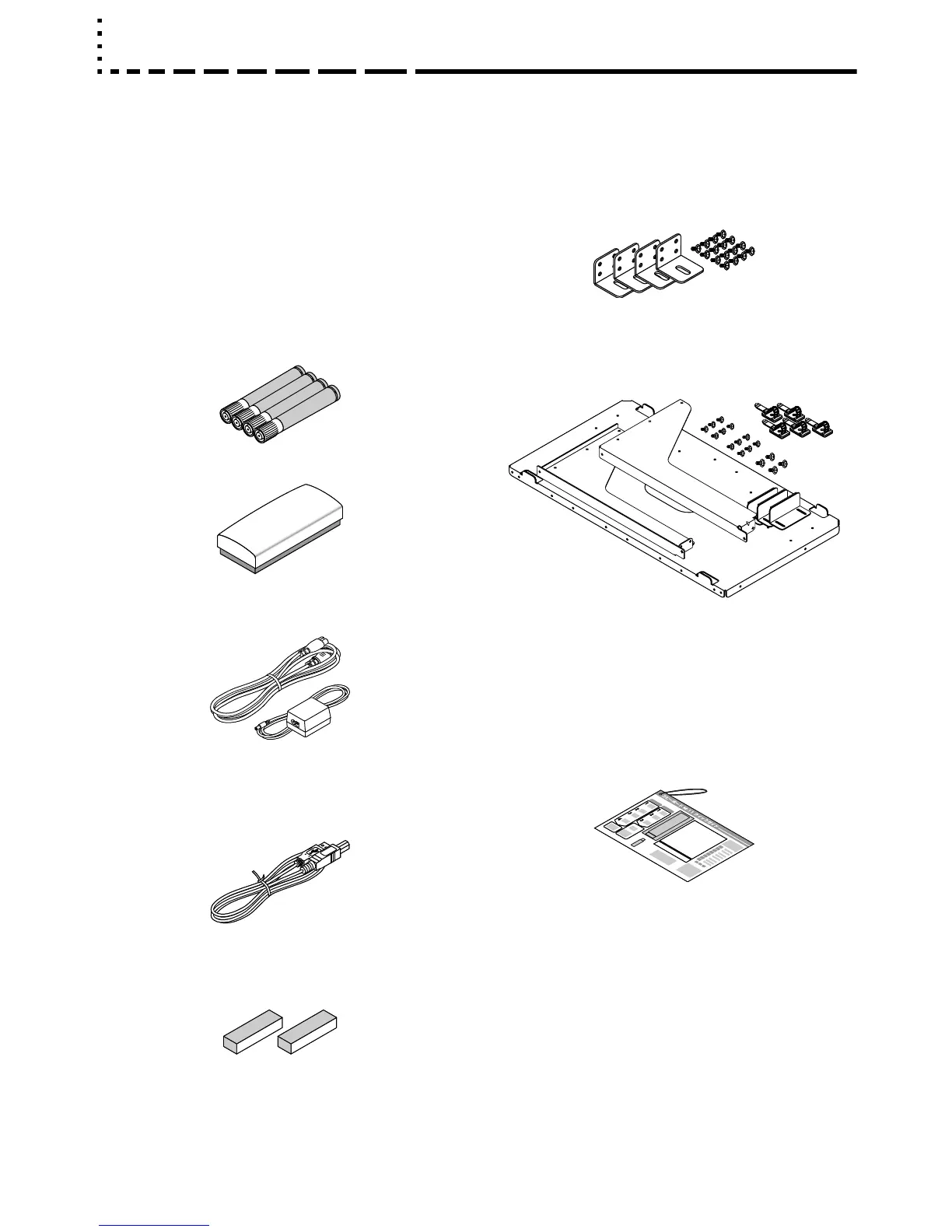
• Special markers
(One each of black, red, blue, and green)
Use these markers to draw on the sheet surface.
• Special eraser [1]
Use this to erase the drawing.
• AC power adapter (with power cord) [1]
This is the power adapter for supplying power to the copy-
board (See Page E-12).
• USB cable (type B type A) [1]
Use this cable to connect the copyboard with a computer
(See Page E-33).
(The cable can be used for a personal computer connec-
tion if it is not used with the printer. See Page E-25.)
• Cushions [2 pcs.]
These cushions are used to absorb the shake of printer
tray in case wall mounting. (See the Assembly and Setup
Manual.)
• Wall mount brackets [1 set]
These fittings are used to mount the copyboard on a wall
(See the Assembly and Setup Manual.).
(The set includes four copyboard brackets and 16 M4
mounting screws.)
• Printer tray [1 set]
The printer is placed on this tray.
(The set includes one printer tray, brackets for left and
right sides, 12 M3 assembly screws, 4 M4 screws, 3
printer guides, and 5 cable clips.)
Documents
• User’s manual [1]
Includes information about safety precautions and the use
of the copyboard.
• CD-ROM [1]
The CD-ROM contains the instruction manual (PDF edi-
tion) and the utility software for use with the copyboard.
• Quick Guide [1 set]
The Quick Guide can be hanged from a hook.
Put the supplied hook to anywhere you want.
• Recording paper for test printing [5 sheets]
Use this for connection tests when a printer is connected.
• Assembly and Setup Manual
Information covers the setup of the copyboard and the
connections with the printer.
The package contents are as described below. Please check before use.
Package Contents



 To Next Page