46
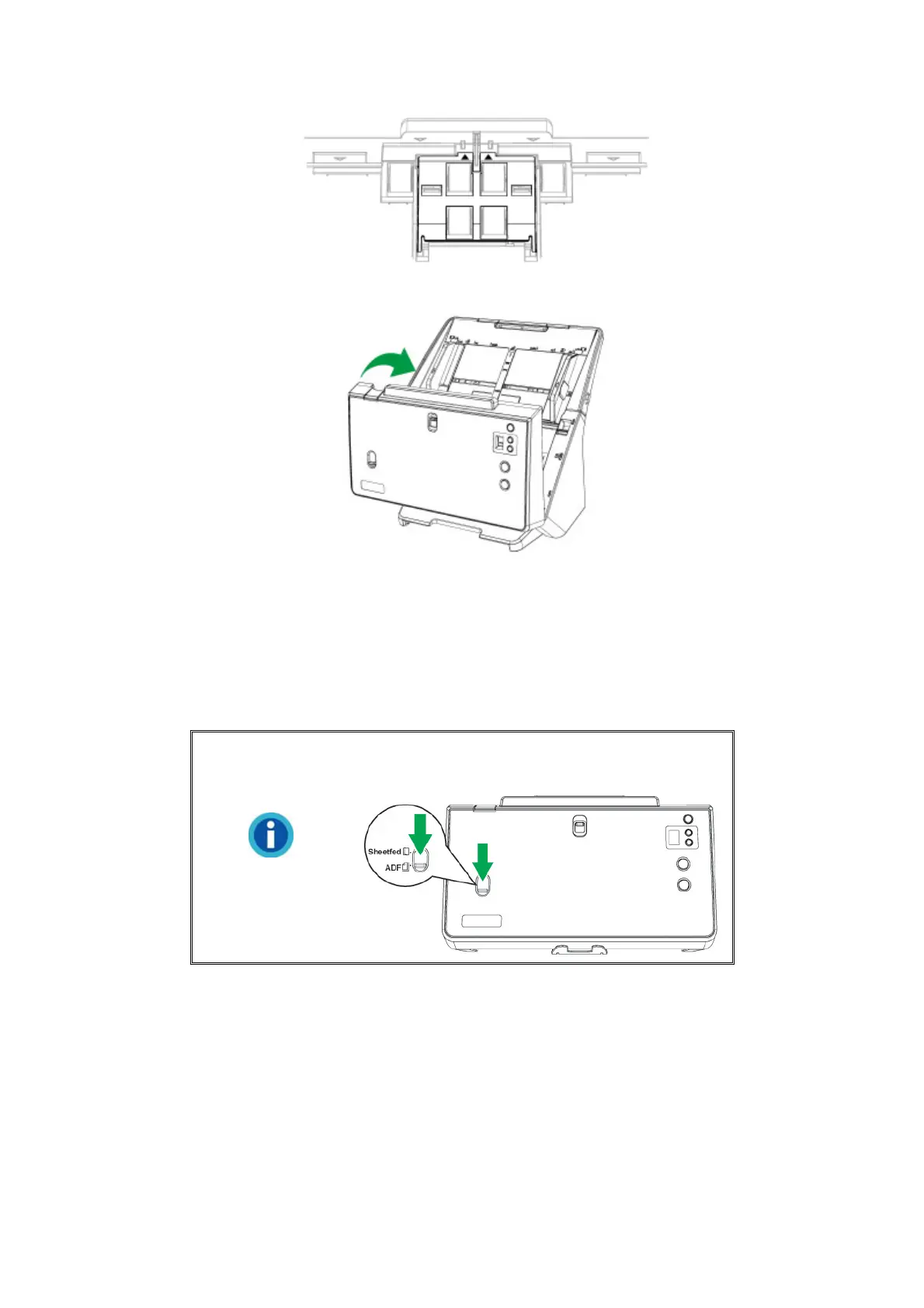
6. Close the ADF cover by pushing it back down until it snaps back into place.
CALIBRATING THE SCANNER
Calibrate the scanner if colors appear in areas that should be white, or colors of the
scanned image and the original vary a lot. This allows you to adjust and compensate
for variations that can occur in the optical component over time by its nature.
Information
Make sure to slide the Sheetfed / ADF scan
switch downward for ADF scanning calibration.
The following describes how to calibrate the scanner:
1. The Calibration Sheet, marked with an arrow on either edge at both sides, is
used specially for ADF Scanning calibration.











 To Next Page