18
To access Main Menu while your device is in use, press
‘Home’ on the face panel or press the ‘Backward’ key
sequentially.
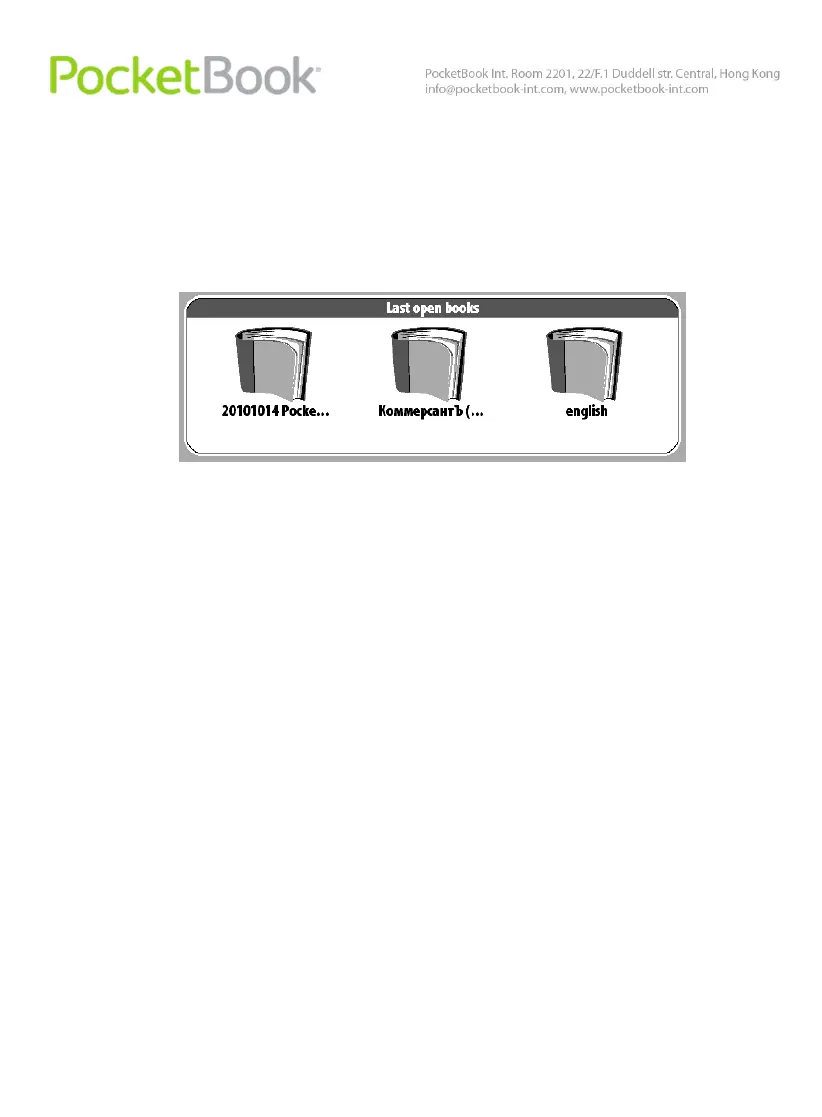
Last Open Books
Displays recently opened documents. The number of
displayed documents depends on the Main Menu
configuration.
The following display settings are accessible in the
context menu when displaying books in a widget:
List
Thumbnails
Main Panel
Display of the basic functional and control sections:
1. Library;
2. Notes;
3. Favorites;
4. Photo;















 To Next Page