80
Working with the keyboard
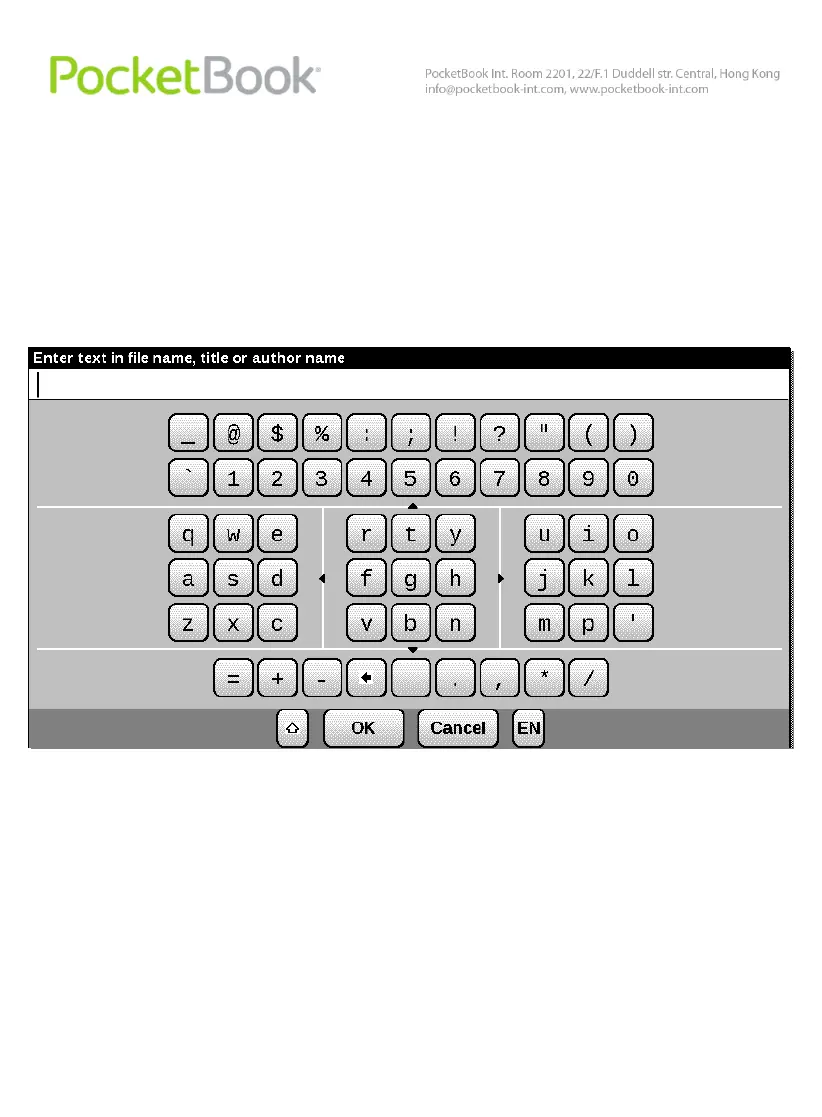
To navigate through the keyboard use the ‘Up’, ‘Down’,
‘Left’, ‘Right’ and ‘OK’ keys. To speed up operations all
symbols are subdivided into 5 zones. The first hit enables fast
transfer to the middle of the selected zone, and then you can
select the required symbol in this zone.
To switch the keyboard between Russian, Ukrainian or
English use keys ‘RU’, ‘DE’ and ‘EN’ on the lower panel or
the language shift key in the right of the lower panel.
Continued pressing of the ‘Left’ key deletes the last input
symbol; continued pressing on the ‘Up’ makes the entire input
text deleted.















 To Next Page