22
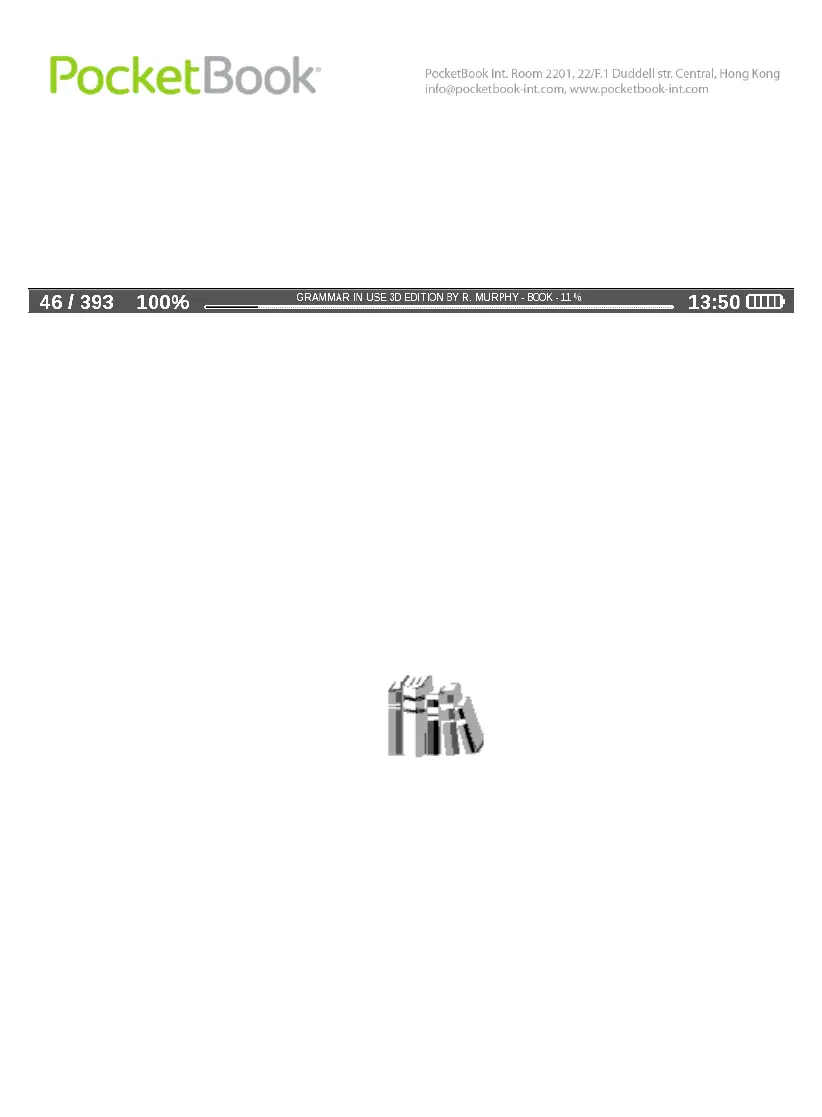
In reading mode:
Current page number/total number of pages in the book
Book title and percentage of the total number of pages in
the book.
Battery charge and current time are always displayed in
the status bar.
Note: In sleep mode, the clock is removed from the status
bar to save power for screen update.
The status bar can also display other parameters,
including Bluetooth connection status.
Main panel elements
Library
The library is the e-book file manager.
Library contains the following tabs:
Library – the main tab The left-hand part contains
book-sorting folders (Favorites|Genre|Formats). The
right-hand part displays a book list in the selected
folder.















 To Next Page