57
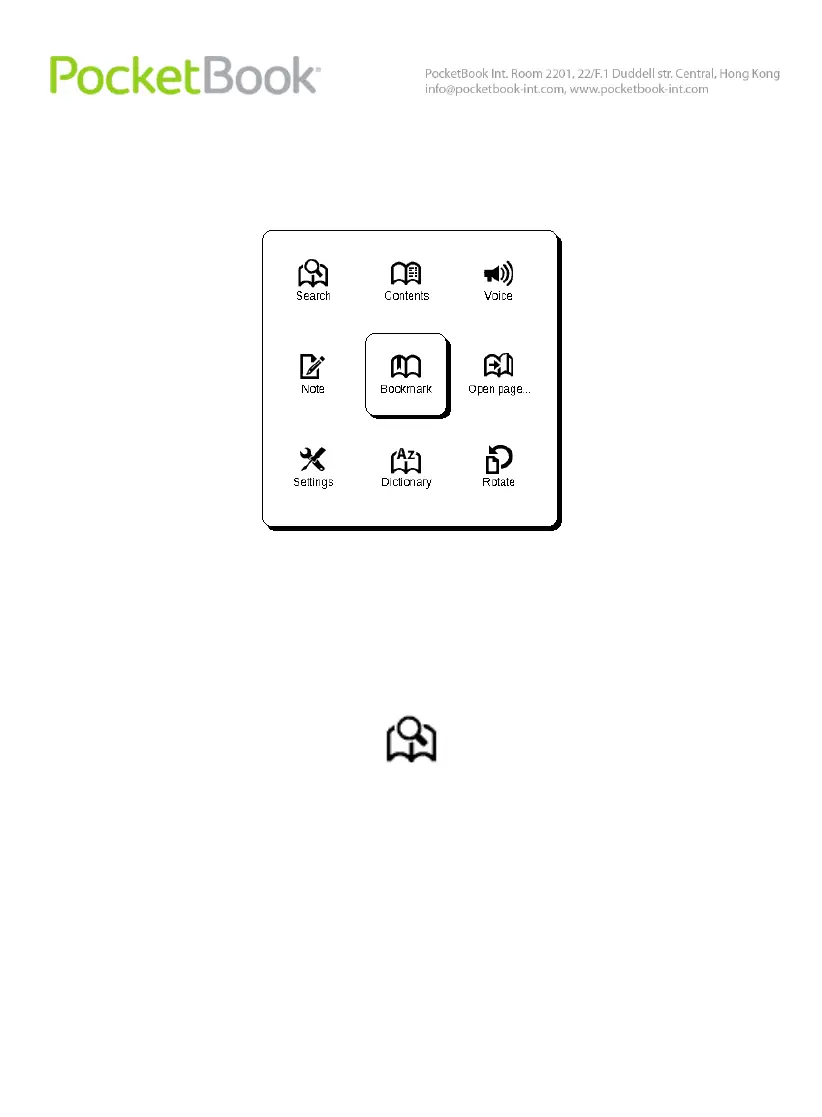
Fast Access Menu
Fast access menu is available in reading mode.
This menu can be brought up by ‘OK’ pressed in reading
mode. The fast access menu content depends on a reading
program (reader). Menu items:
Search
Quick search for a word/its part in the book. Once this
item is selected, the on-screen keyboard will appear to help
you type in the required word (see ‘Working with the
Keyboard’). The word is input, ‘Search’ mode starts and a
binoculars icon will appear in the right lower corner of the
screen.















 To Next Page