71
In reading mode, click the appropriate icon in the
quick access menu:
In the top left corner a highlight box will appear. Press OK
to start speech reproduction.
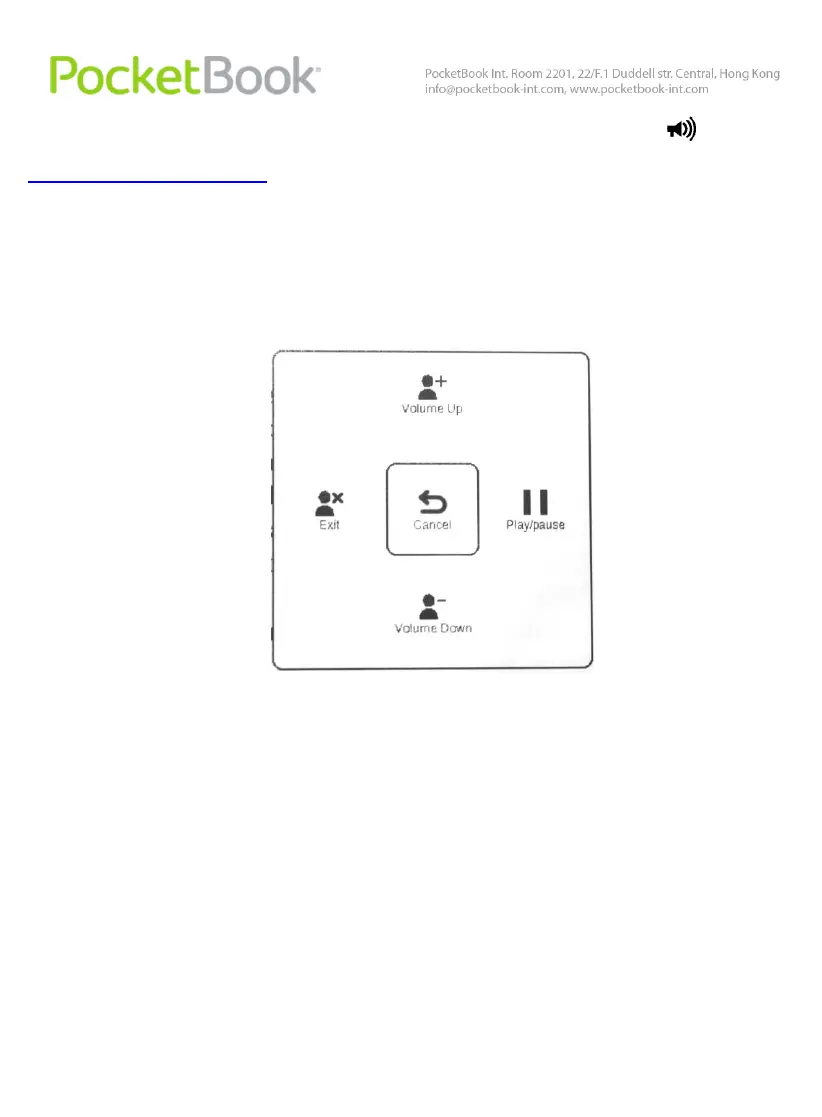
To access the TTS control menu, press and hold the OK
button.
For more convenient adjustment of settings use the
following keys:
adjust volume: Volume +/-, Up, Down;
stop/continue listening: Left;
disable text reproduction: press the Left button or Back
in text listening mode.
You can exit to Main Menu by pressing the Home key or
by multiple-pressing the Back key.















 To Next Page