Point Grey Research Grasshopper Technical Reference
Camera Operations and Features
Revised 26-Nov-10
Copyright (c) 2010 Point Grey Research Inc.
45
the camera before using One-Push/Auto must already be relatively close, i.e. if Red is set to 0
and Blue is at maximum (two extremes), One-Push/Auto will not work. However, if the camera is
already close to being color balanced, then it will work (it may only be a small change).
One_push only attempts to automatically adjust white balance for a set period of time before
stopping. It uses a “white detection” algorithm that looks for “whitish” pixels in the raw Bayer
image data. One_push adjusts the white balance for a specific number of iterations; if it cannot
locate any whitish pixels, it will gradually look at the whitest objects in the scene and try to work
off them. It will continue this until has completed its finite set of iterations.
Auto is continually adjusting white balance. It differs from one_push in that it works almost solely
off the whitest objects in the scene.
L
White balance may be unresponsive in auto mode if auto exposure is
< 0.1 EV (approximately).
4.6.6. Image Flip / Mirror
The Grasshopper supports horizontal image mirroring. The mirror image operation is done on the
camera using the on-board frame buffer, and is controlled using the IMAGE_DATA_FORMAT
register 0x1048, which is described in detail in the PGR IEEE-1394 Digital Camera Register
Reference.
4.6.7. Test Pattern
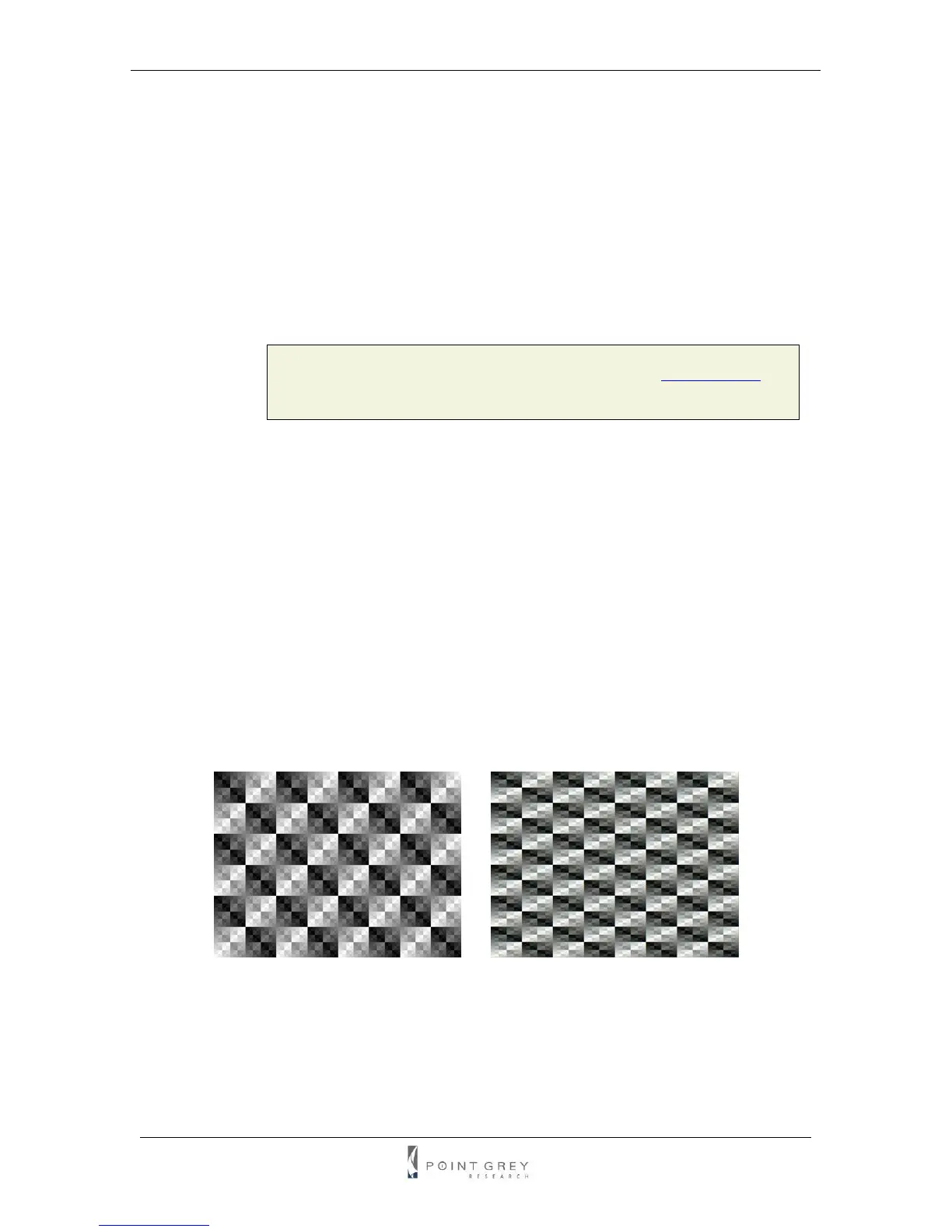
The Grasshopper is capable of outputting a continuous static image for testing and development
purposes. The test pattern image is inserted into the imaging pipeline immediately prior to the
transfer to the on-board FIFO, and is therefore not subject to changes in hue, saturation,
sharpness, white balance or gamma. Test pattern support is only available for Y8, Y16 and
YUV422 video modes. The test pattern is a simple 8 bit-per-pixel counter (the pixel intensities in
each column increment from 0 to 255).
Figure 6: Test pattern sample image (Mono and YUV formats)
The test pattern can be enabled using the TEST_PATTERN register 0x104C, which is described
in detail in the PGR IEEE-1394 Digital Camera Register Reference.



 To Next Page