22
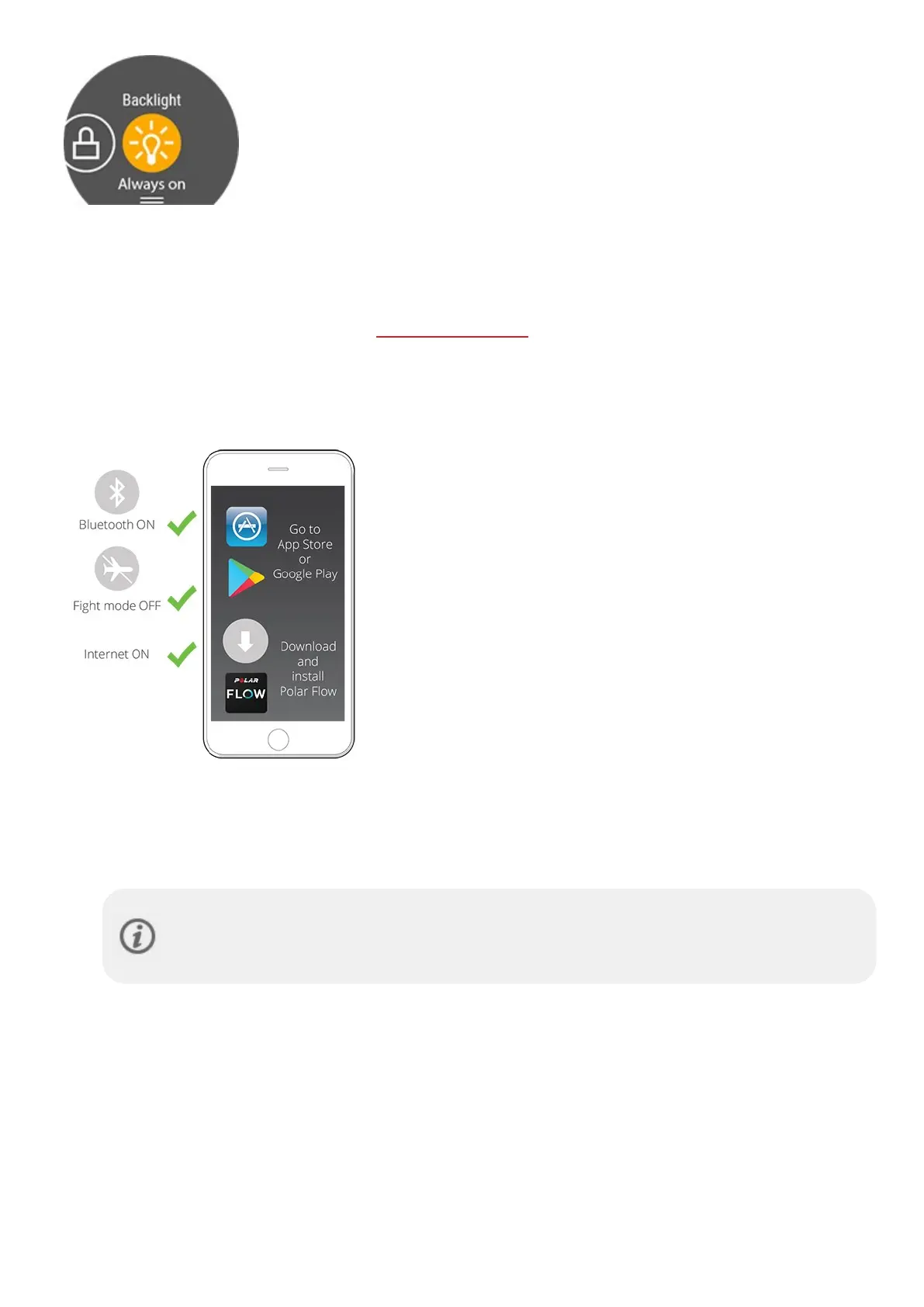
l Backlight : Tap the Backlight icon to choose Always on or Automatic. With
always on selected the watch display will be illuminated throughout your training
session. The backlight setting will default back to automatic after you finish your
training session. Please note that the always on selection will drain your battery
much faster than the default setting.
l Screen lock: Tap the screen lock icon to switch screen lock on. Press the BACK
button for 2 seconds to unlock the screen.
PAIRING A PHONE WITH YOUR WATCH
Before you can pair a phone with your watch, you need to setup your watch in the Polar Flow web service or with the
Polar Flow mobile app as described in chapter Setting up your watch. If you did the setup for your watch with a phone,
your watch has already been paired. If you did the setup with a computer and would like to use your watch with Polar
Flow app, please pair your watch and phone as follows:
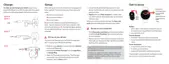
BEFORE PAIRING A PHONE:
l download Flow app from the App Store or Google Play
l make sure your phone has Bluetooth turned on, and airplane
mode/flight mode is not turned on.
l Android users:make sure location is enabled for the Polar Flow
app in the phone's application settings.
TO PAIR A PHONE:
1. On your phone, open the Flow app and sign in with your Polar account, which you have created when setting
up your watch.
Android users: If you have several Flow app compatible Polar devices in use, make sure you have
chosen Polar Ignite as the active device in the Flow app. This way the Flow app knows to connect to
your watch. In the Flow app, go to Devices and choose Polar Ignite.
2. On your watch, press and hold BACK in time mode OR go to Settings > General settings > Pair and sync >
Pair and sync phone and tap the display.
3. Open Flow app and bring your watch close to phone is displayed on your watch.
4. When the Bluetooth Pairing Request confirmation message appears on your phone, check that the code
shown on your phone matches the code shown on your watch.
5. Accept the Bluetooth pairing request on your phone.
6. Confirm the pin code on your watch.
7. Pairing done is displayed once the pairing is completed.



 To Next Page