39
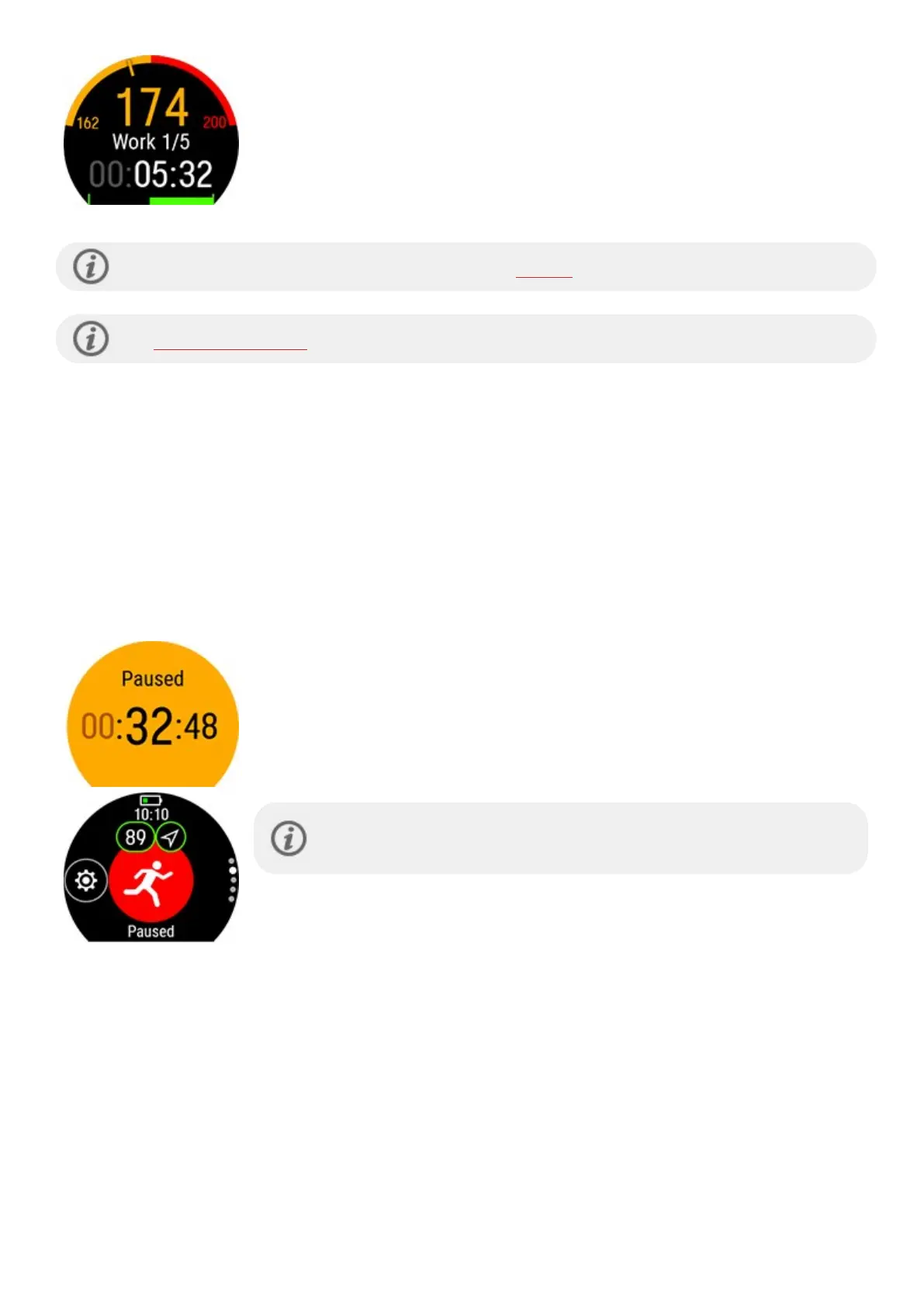
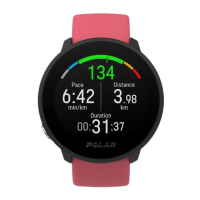
l Depending on the chosen intensity, you can see either your heart rate or
speed/pace and the lower and upper heart rate or speed/pace limit of the current
phase.
l Phase name and phase number/total number of phases
l Duration/distance covered so far
l Target duration/distance of the current phase
Your planned training targets will also be included in the FitSpark training suggestions.
See Planning your training for instructions on creating training targets.
CHANGE PHASE DURING A PHASED SESSION
The phase will change automatically when you have finished a phase. The watch notifies you by vibrating when the
phase changes.
NOTIFICATIONS
If you are training outside the planned heart rate zones or speed/pace zones, your watch notifies you with a vibration.
PAUSING/STOPPING A TRAINING SESSION
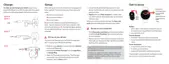
Press BACK to pause your training session.
Tap on the sport icon to continue training. To stop the session, press and hold BACK.
You’ll get a summary of your training session on your watch right after you’ve stopped
training.
If you stop your session after pausing, the time elapsed after pausing is not
included in the total training time.
TRAINING SUMMARY
AFTER TRAINING
You'll get a summary of your training session on your watch right after you've stopped training. Get a more detailed
and illustrated analysis in the Polar Flow app or in the Polar Flow web service.



 To Next Page