29
tests). You can also use your Running Index score, which is an estimation of your VO2
max
. You can use the Polar
Fitness Test with wrist-based heart rate feature to estimate your VO2
max
and update it to your physical settings.
WATCH SETTINGS
To view and edit your watch settings, go to Settings > Watch settings
In Watch settings you'll find:
l Alarm
l Watch face
l Time
l Date
l First day of week
ALARM
Set alarm repetition: Off, Once, Monday to Friday or Every day. If you choose Once, Monday to Friday or Every
day, also set the time for the alarm.
When the alarm is set on, a clock icon is displayed in the time view.
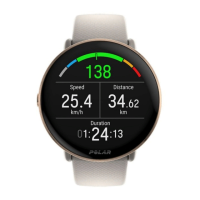
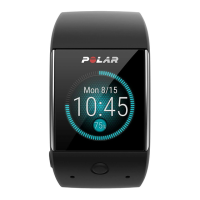
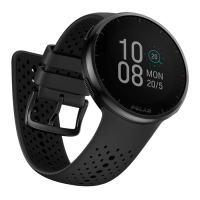
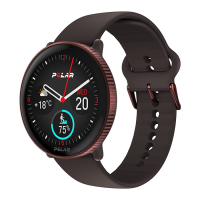
WATCH FACE
Choose the watch face:
l Analog
l Digital
TIME
Set the time format: 24 h or 12 h.Then set the time of day.
When syncing with the Flow app and web service, the time of day is automatically updated from the
service.
DATE
Set the date. Also set the Date format, you can choose mm/dd/yyyy, dd/mm/yyyy, yyyy/mm/dd, dd-mm-yyyy,
yyyy-mm-dd, dd.mm.yyyy or yyyy.mm.dd.
When syncing with the Flow app and web service, the date is automatically updated from the service.



 To Next Page