82
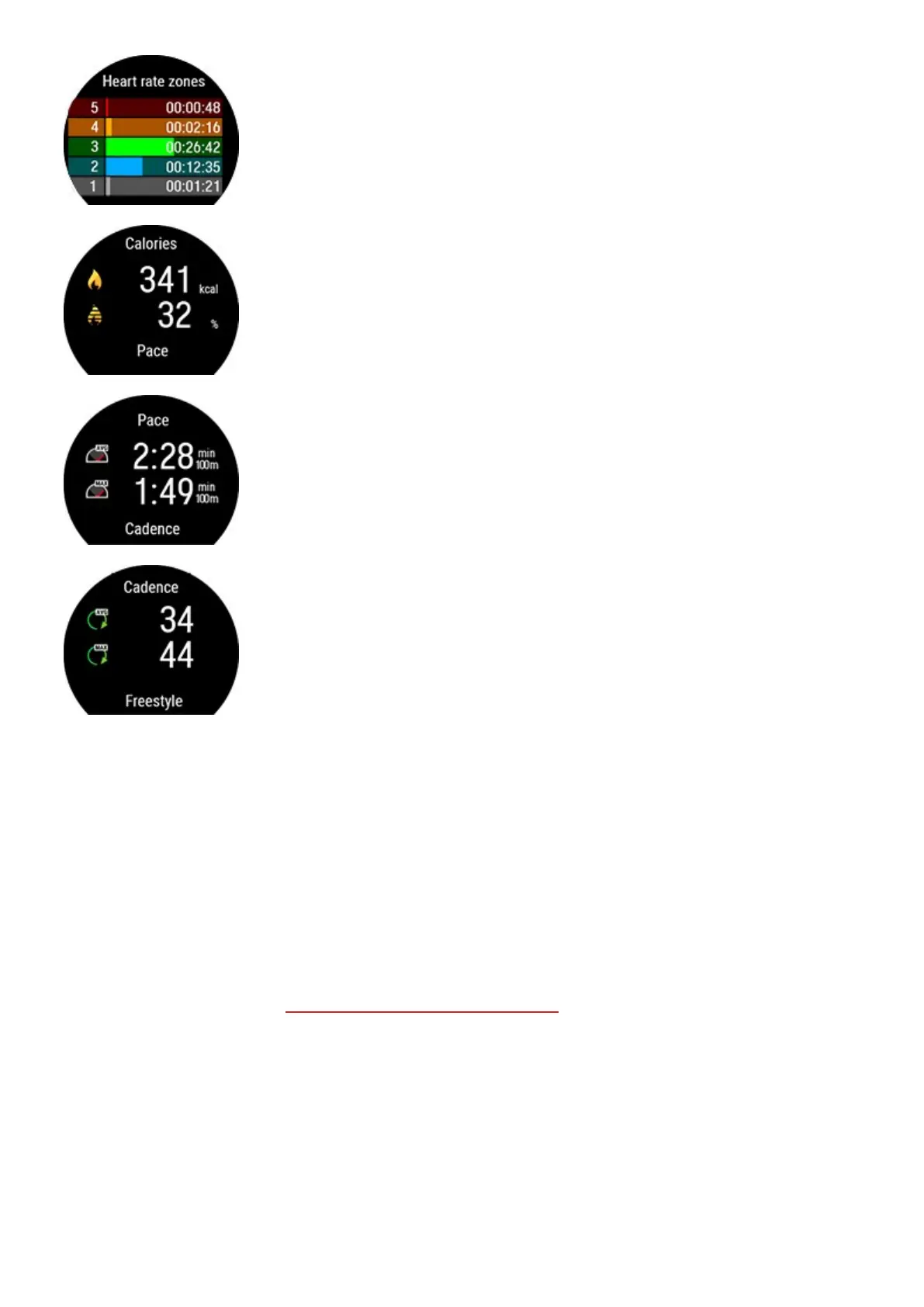
Heart rate zones
Calories
Fat burn % of calories
Average pace
Maximum pace
Stroke rate (how many strokes you take per minute)
l Average stroke rate
l Maximum stroke rate
Sync your watch with Flow for a more detailed visual representation of your swim including a detailed breakdown of
your pool swimming sessions, your heart rate, pace and stroke rate curves.
PHONE NOTIFICATIONS
The phone notifications feature allows you to get alerts about incoming calls, messages and notifications from apps
onto your watch. You’ll get the same notifications on your watch that you get on your phone screen. Phone
notifications are available for iOS and Android phones.
To use phone notifications, you need to have the Flow app running on your phone, and it also needs to be paired with
your watch. For instructions, see Pairing a mobile device with your watch
SET PHONE NOTIFICATIONS ON
On your watch go to Settings > General settings > Phone notifications to set them on. Set phone notifications Off
or On, when not training. Note that you will not receive any notifications during training sessions.



 To Next Page